
How to Withdraw Funds from the Loans Pool
Learn the simple steps to withdraw your lent assets from the Nettyworth platform. This guide provides a quick walkthrough to help you navigate the interface and successfully confirm your withdrawal transaction.
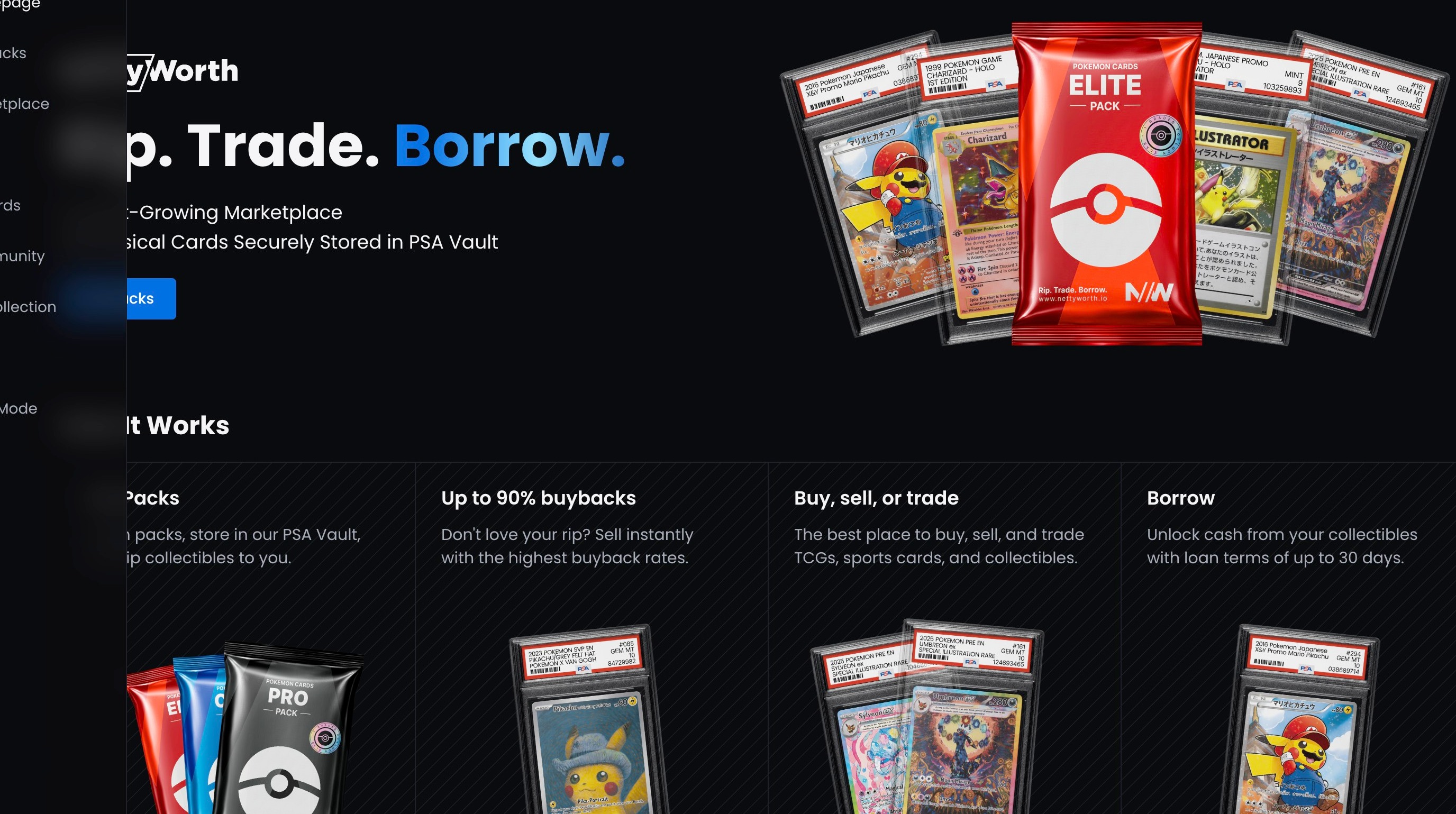
1. Navigate to https://nettyworth.io/
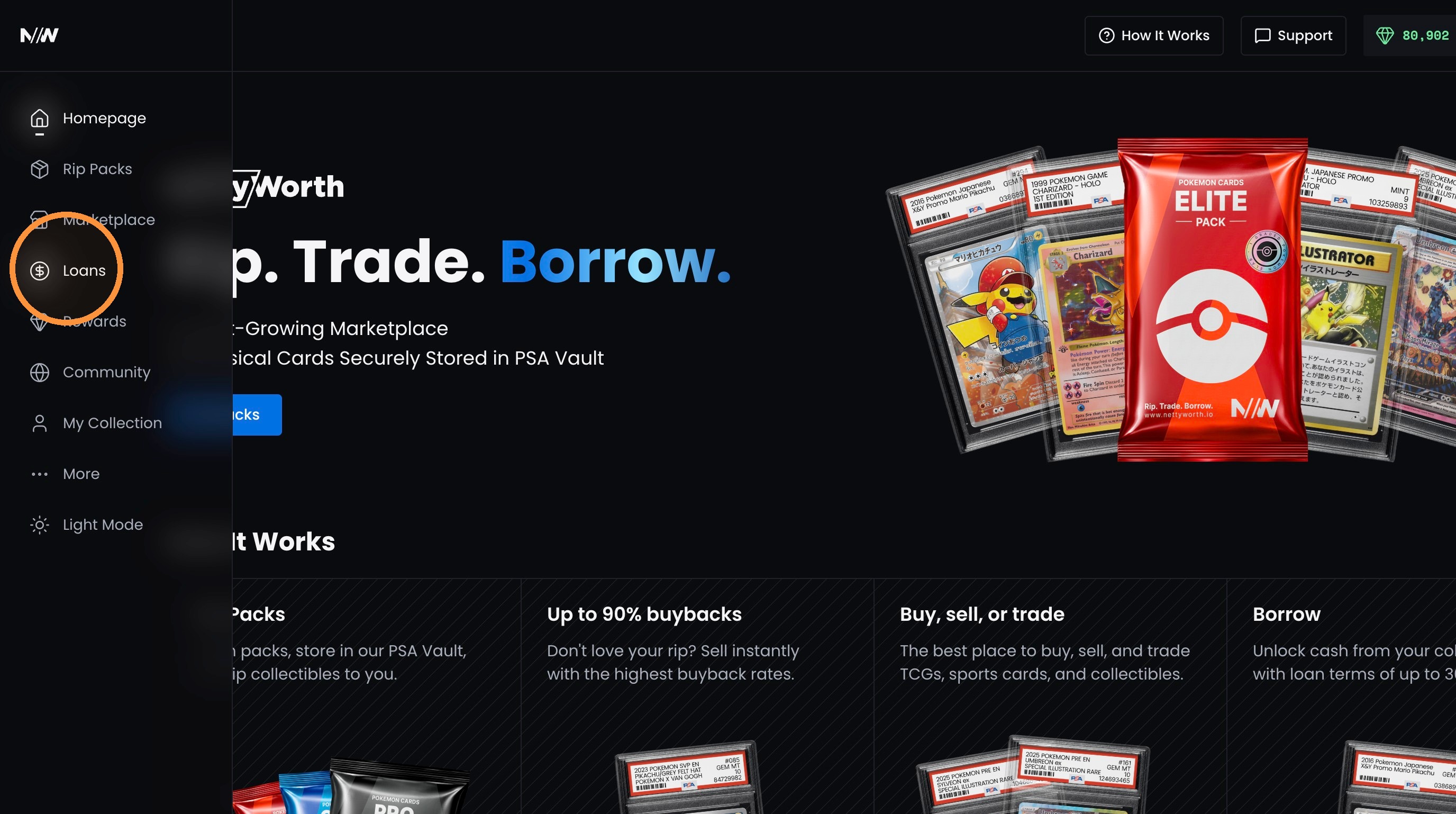
2. Click Loans in the left sidebar.
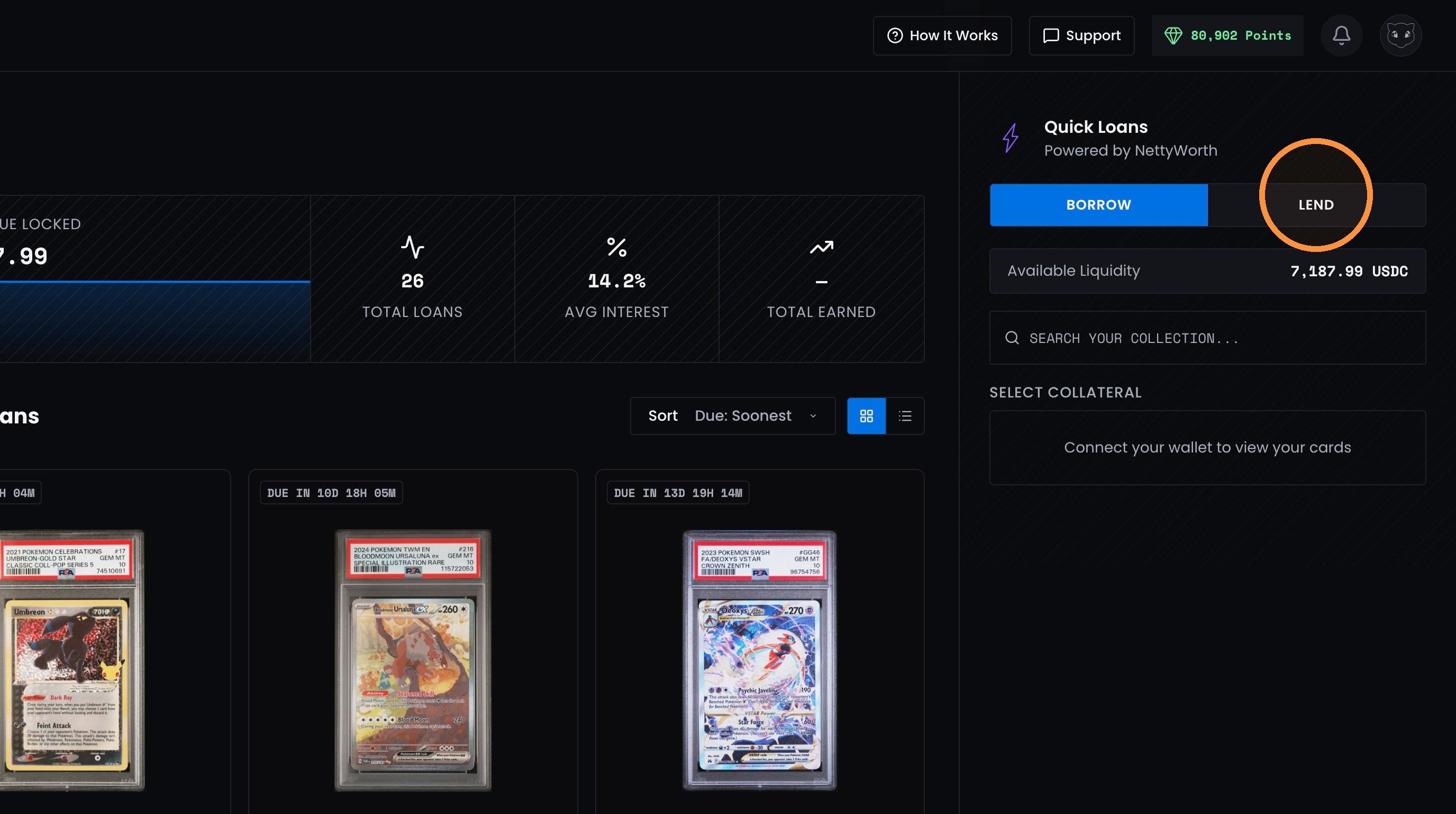
3. Click the “Lend” tab in the Quick Loans panel.
4. Click “Withdraw” in the Lending Pool panel.
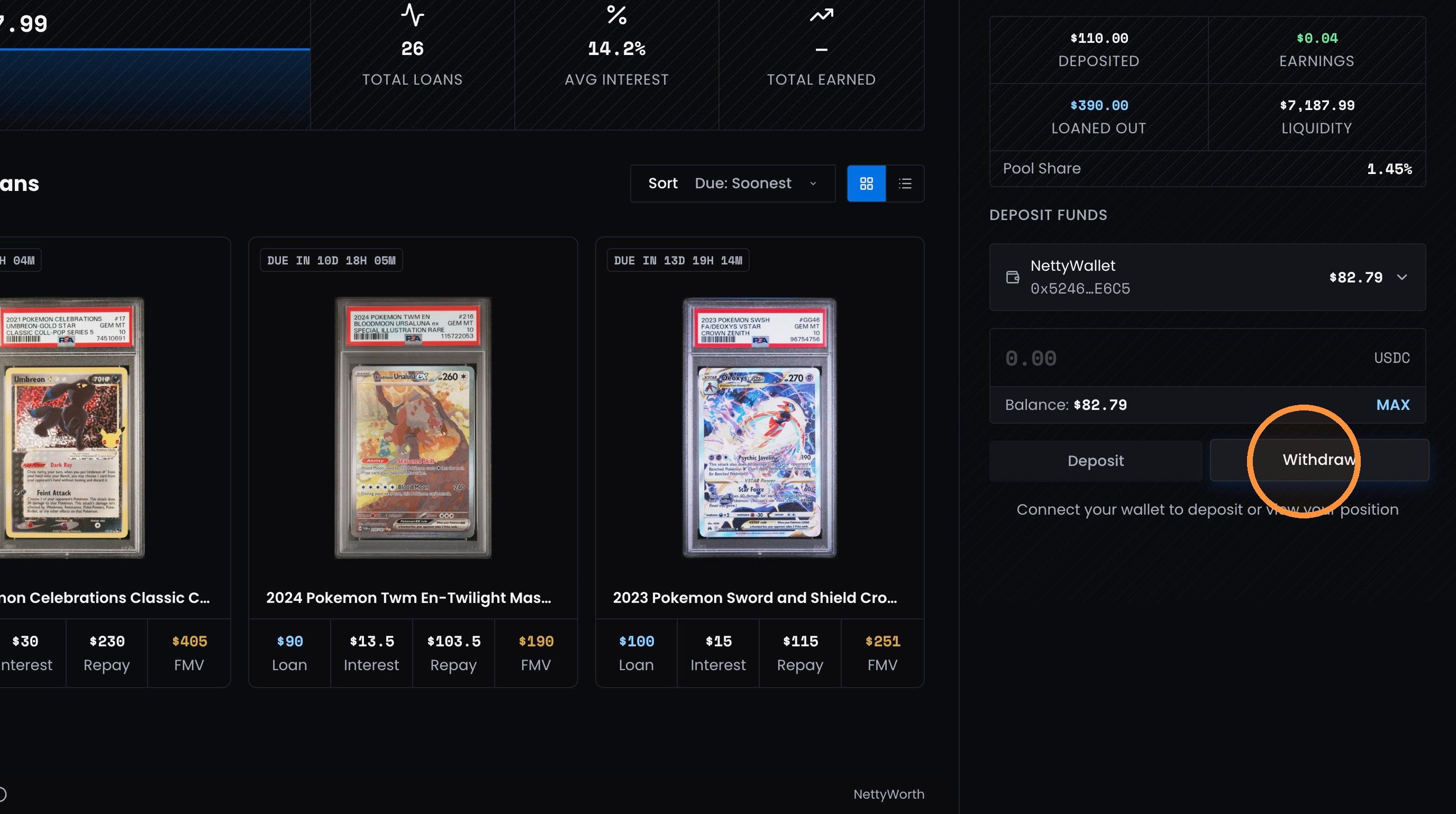
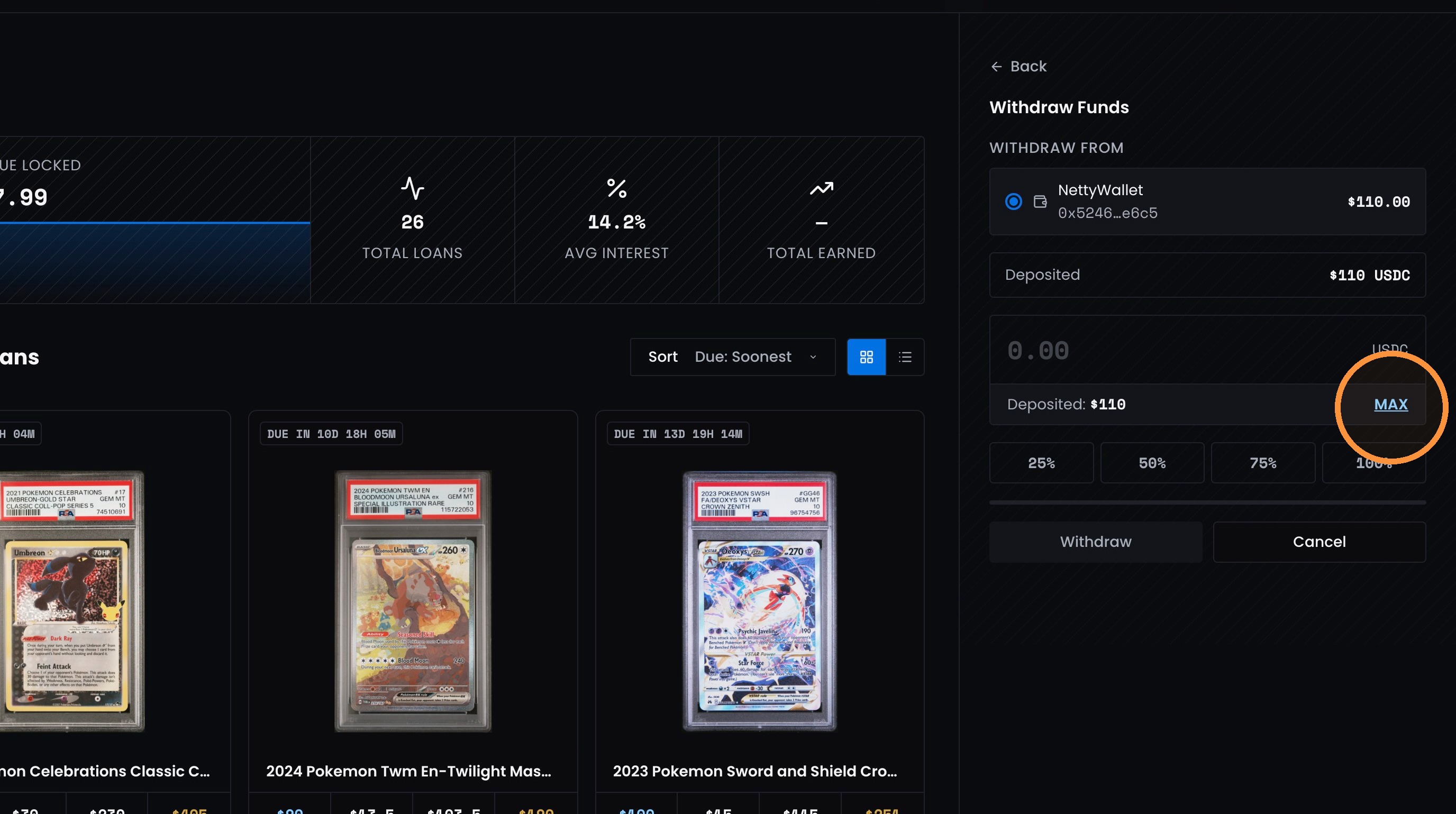
5. Click “MAX” to enter the full available withdrawal amount.
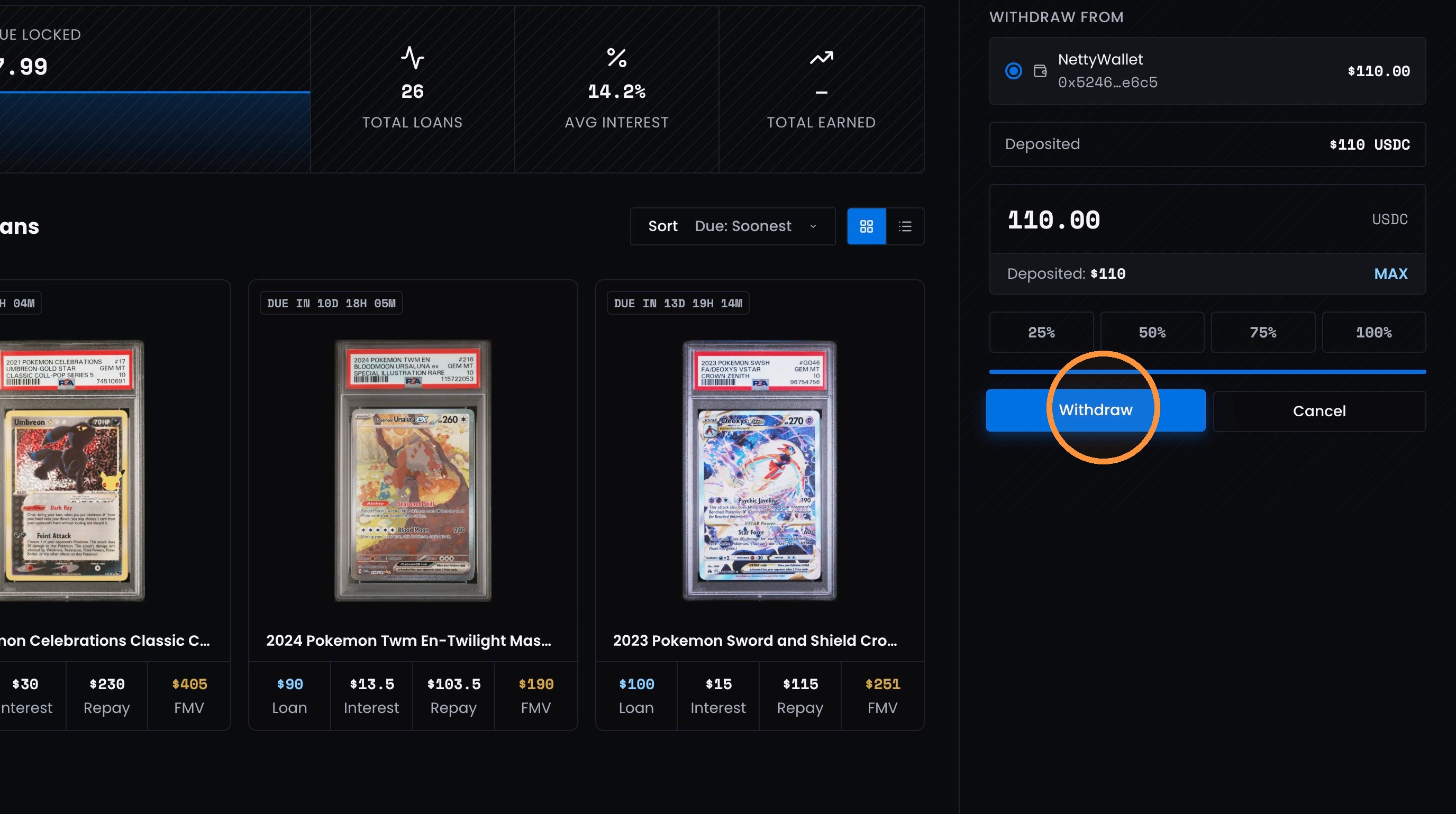
6. Click “Withdraw” to continue.
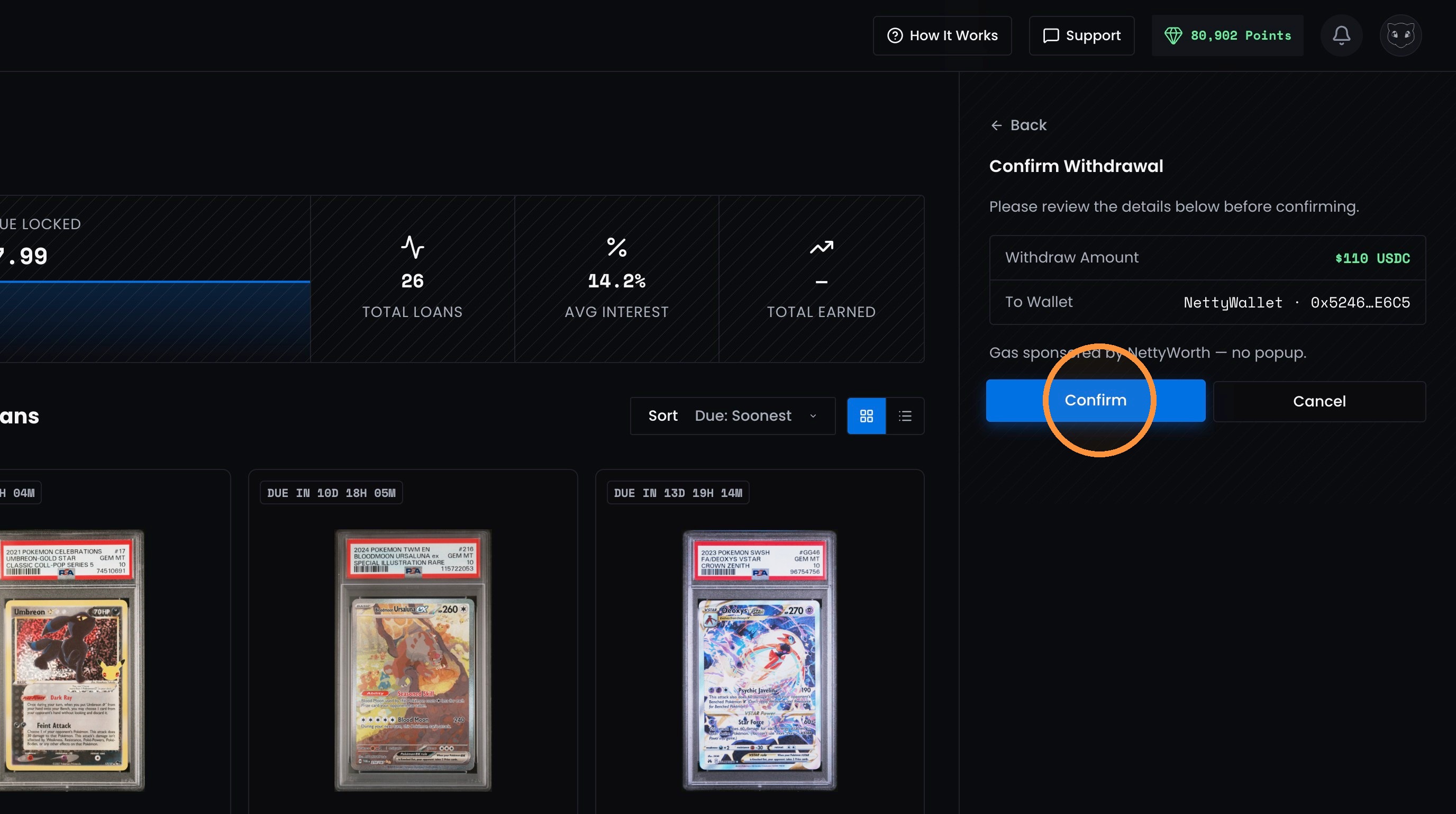
7. Review the withdrawal details, then click “Confirm.”
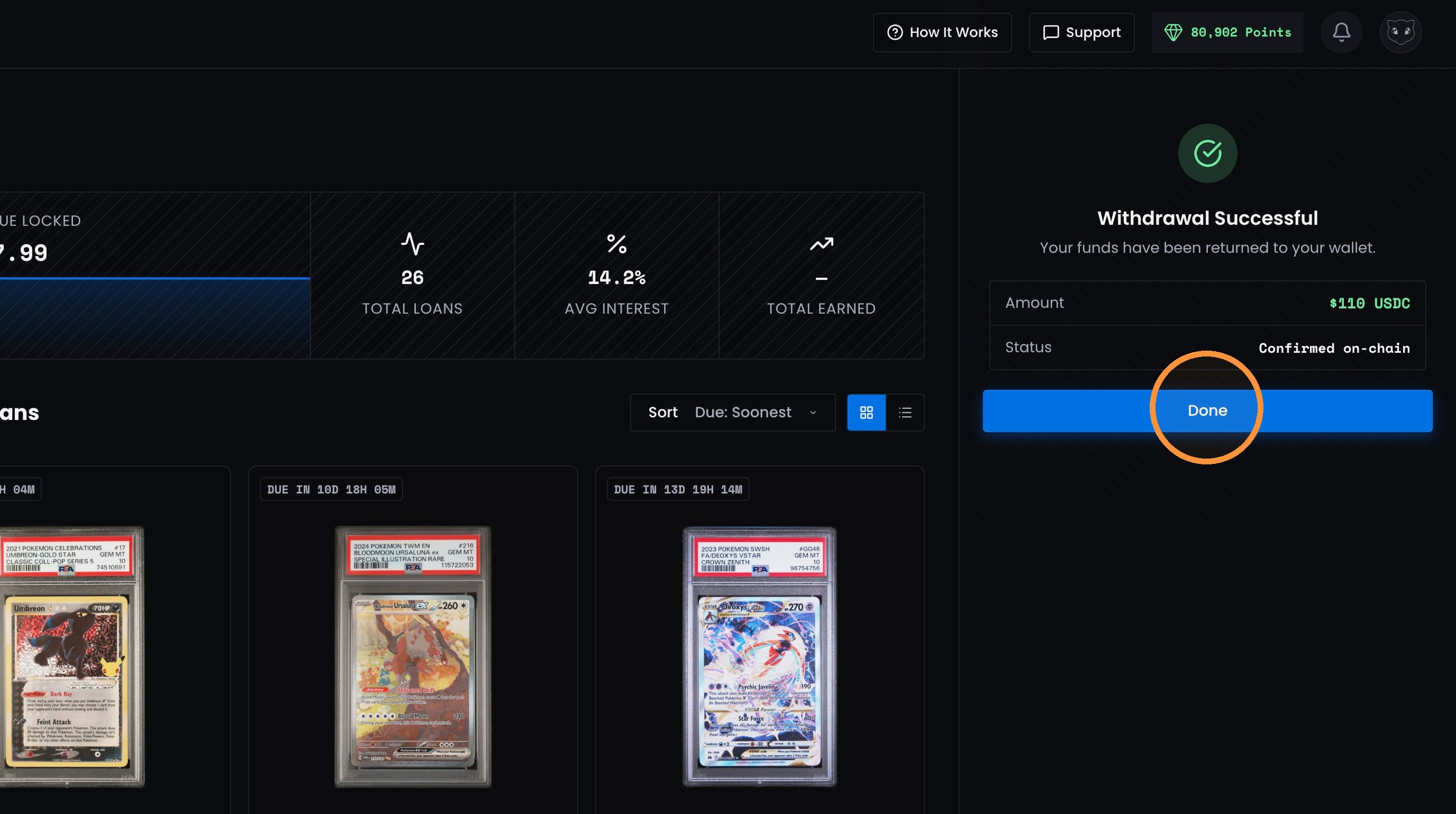
8. Once you receive the “Withdrawal Successful” message, click “Done.”
Updated about 2 months ago
Did this page help you?