
How To Request A Shipment
This guide walks you through the process of shipping items from your Nettyworth collection to your preferred address. Follow these simple steps to ensure your physical assets are delivered to you securely.
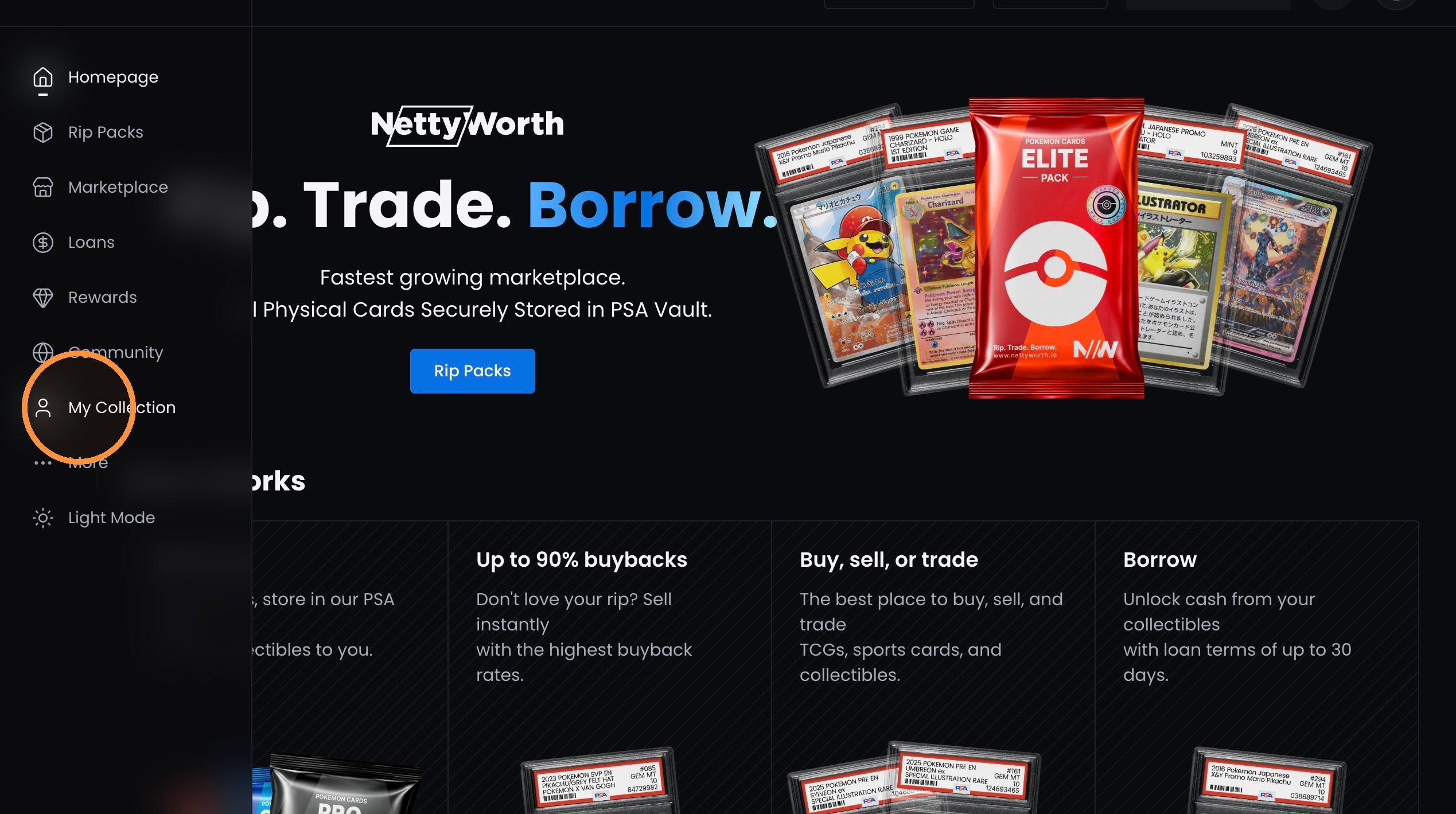
1. Click "My Collection" on the left side menu.
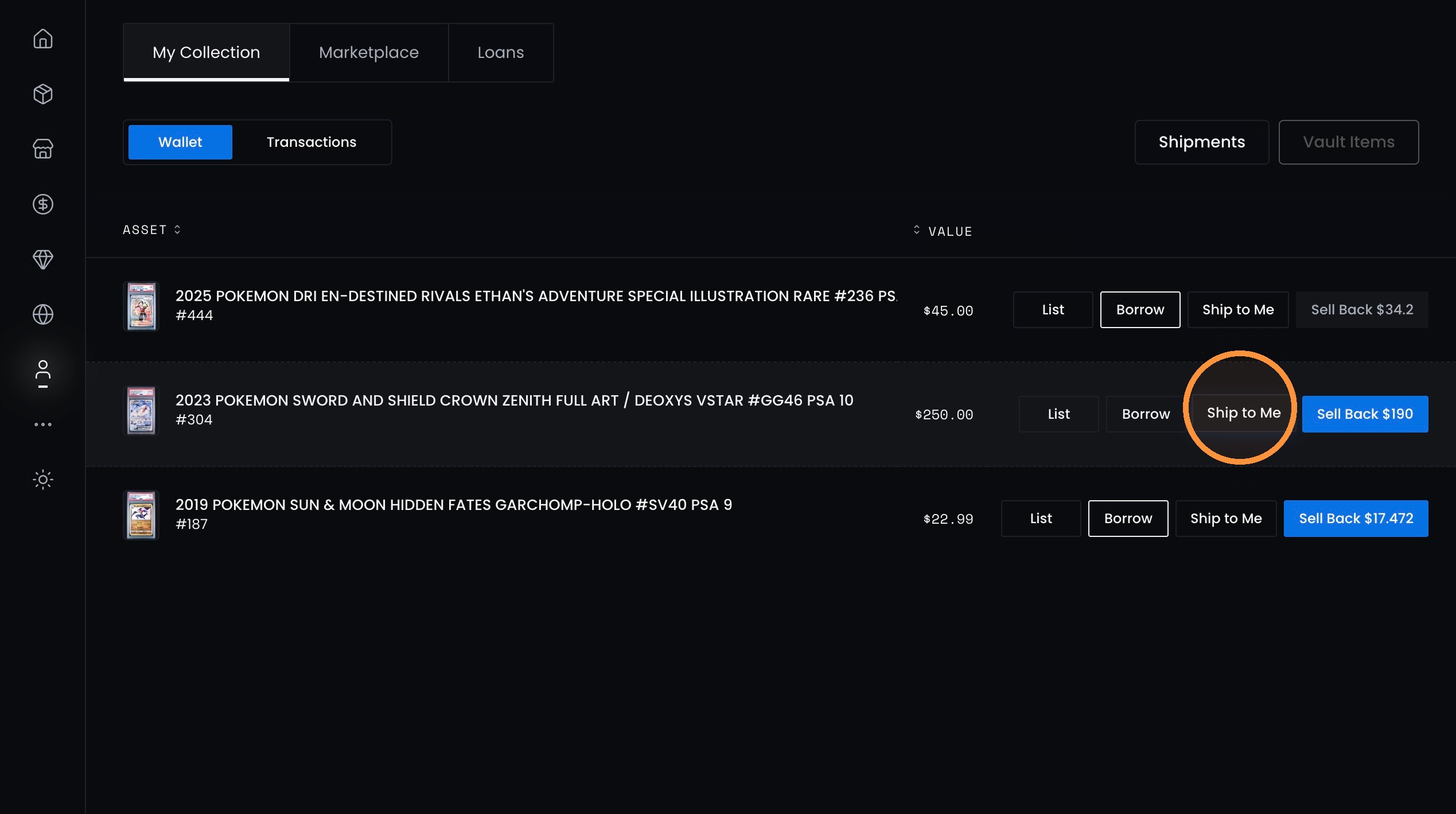
2. Click “Ship to Me” for the asset wanting to ship.
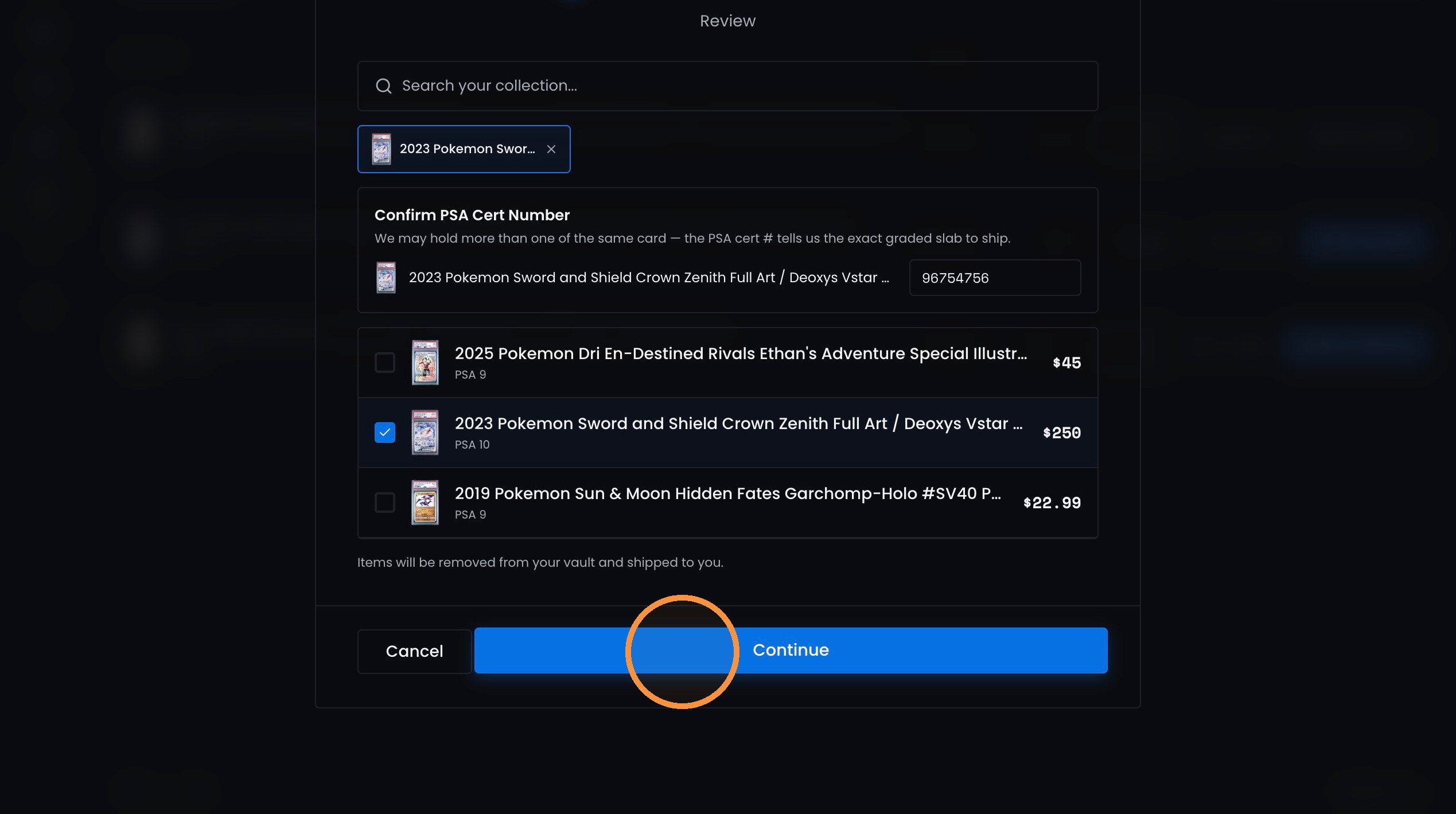
3. Click “Continue” in the Review Item dialog.
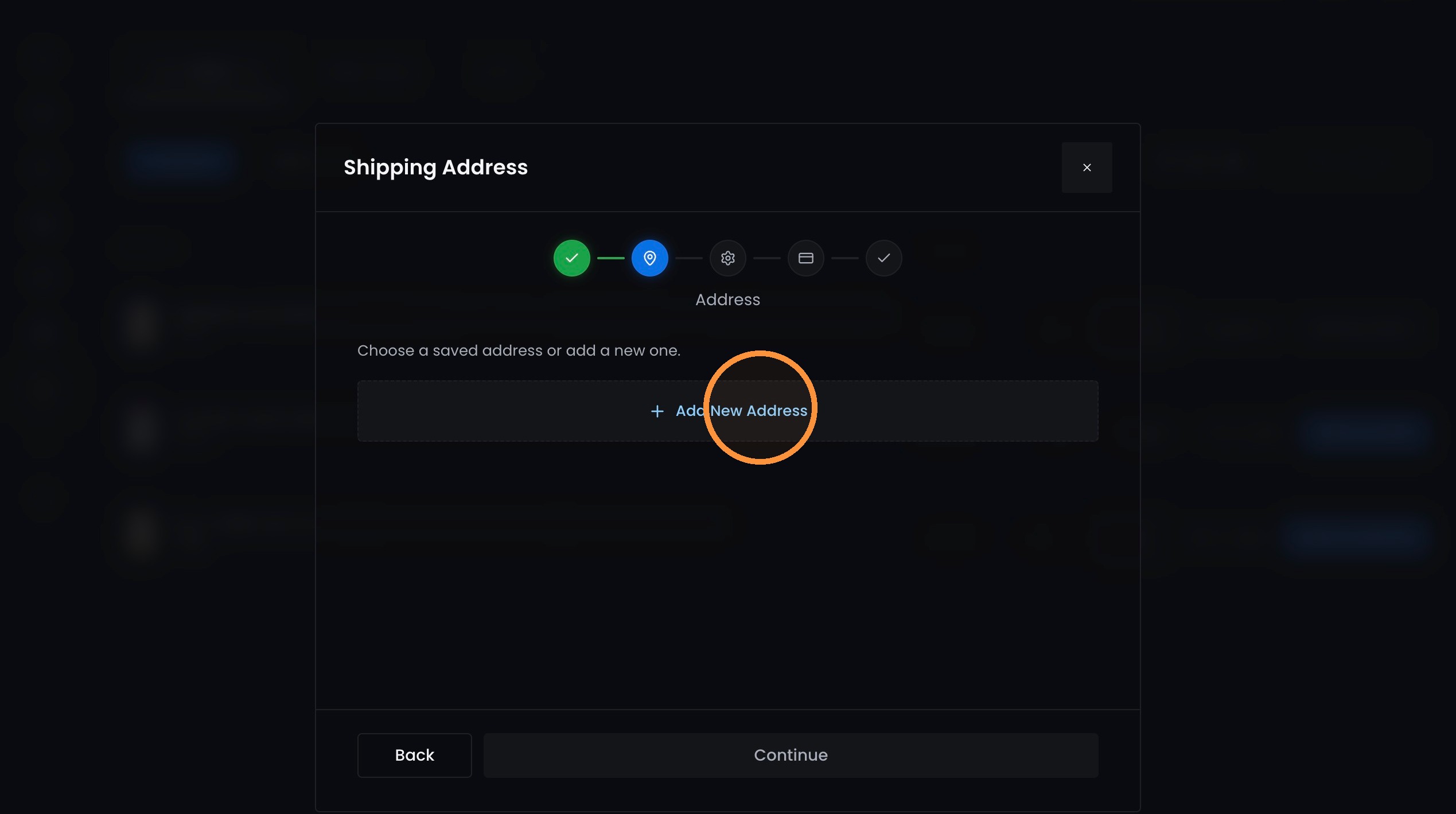
4. Click "Add New Address"
5. Click “Continue” on the Shipping Address form.
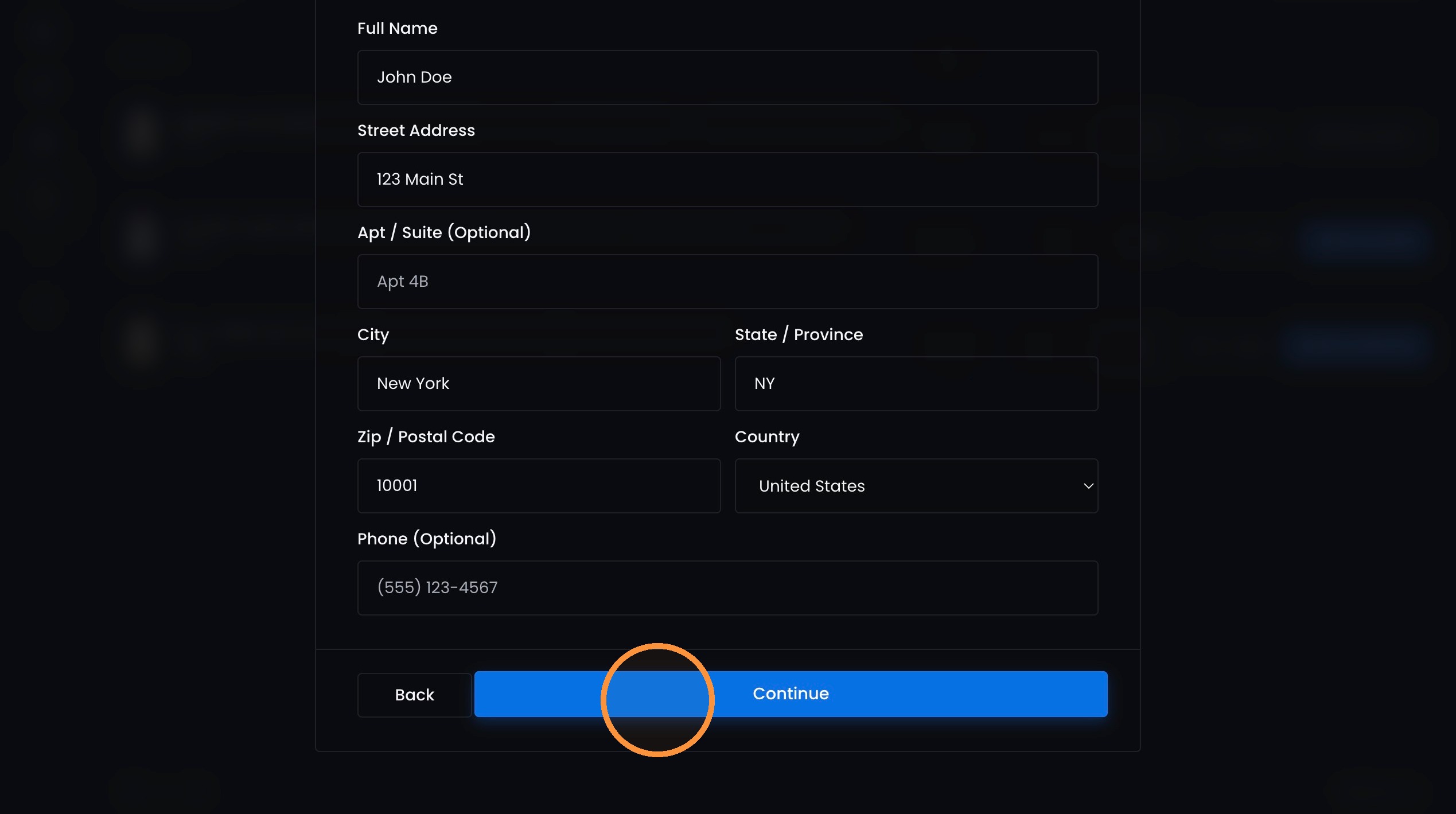
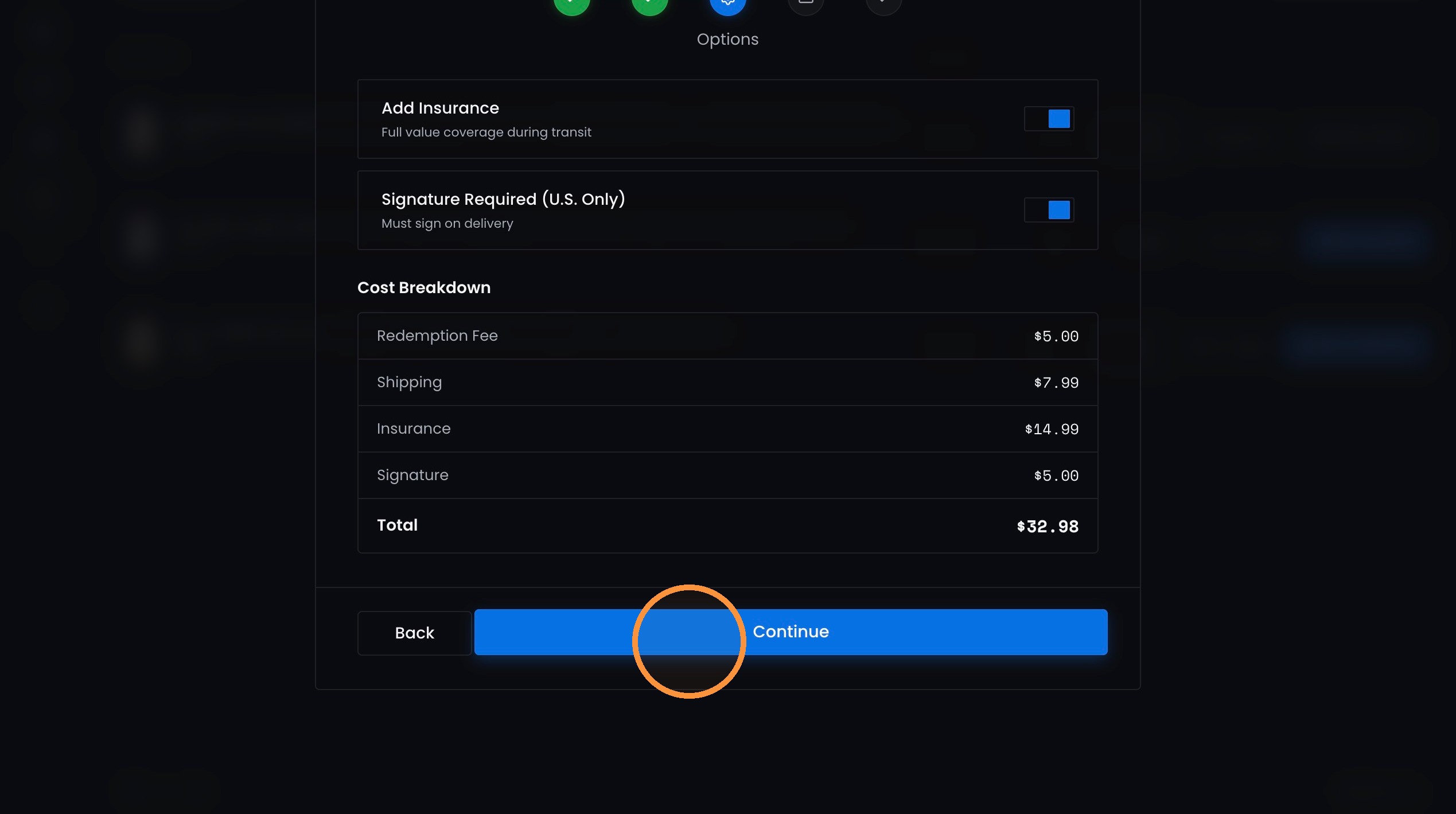
6. Select Shipping Options and click "Continue"
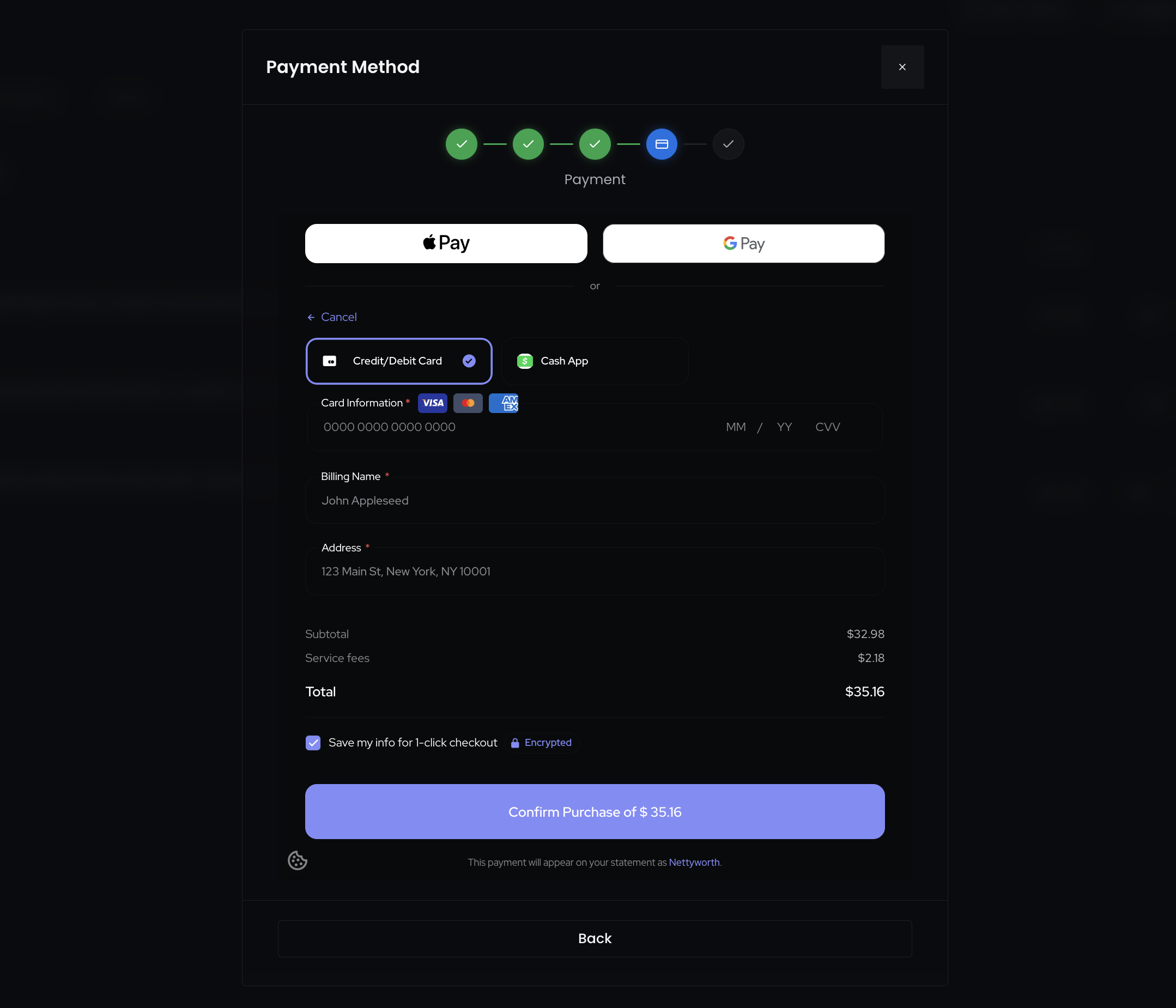
7. Add payment information and click "Confirm Purchase".
Updated about 2 months ago
Did this page help you?