
How to List an Item for Auction
Collection Navigation
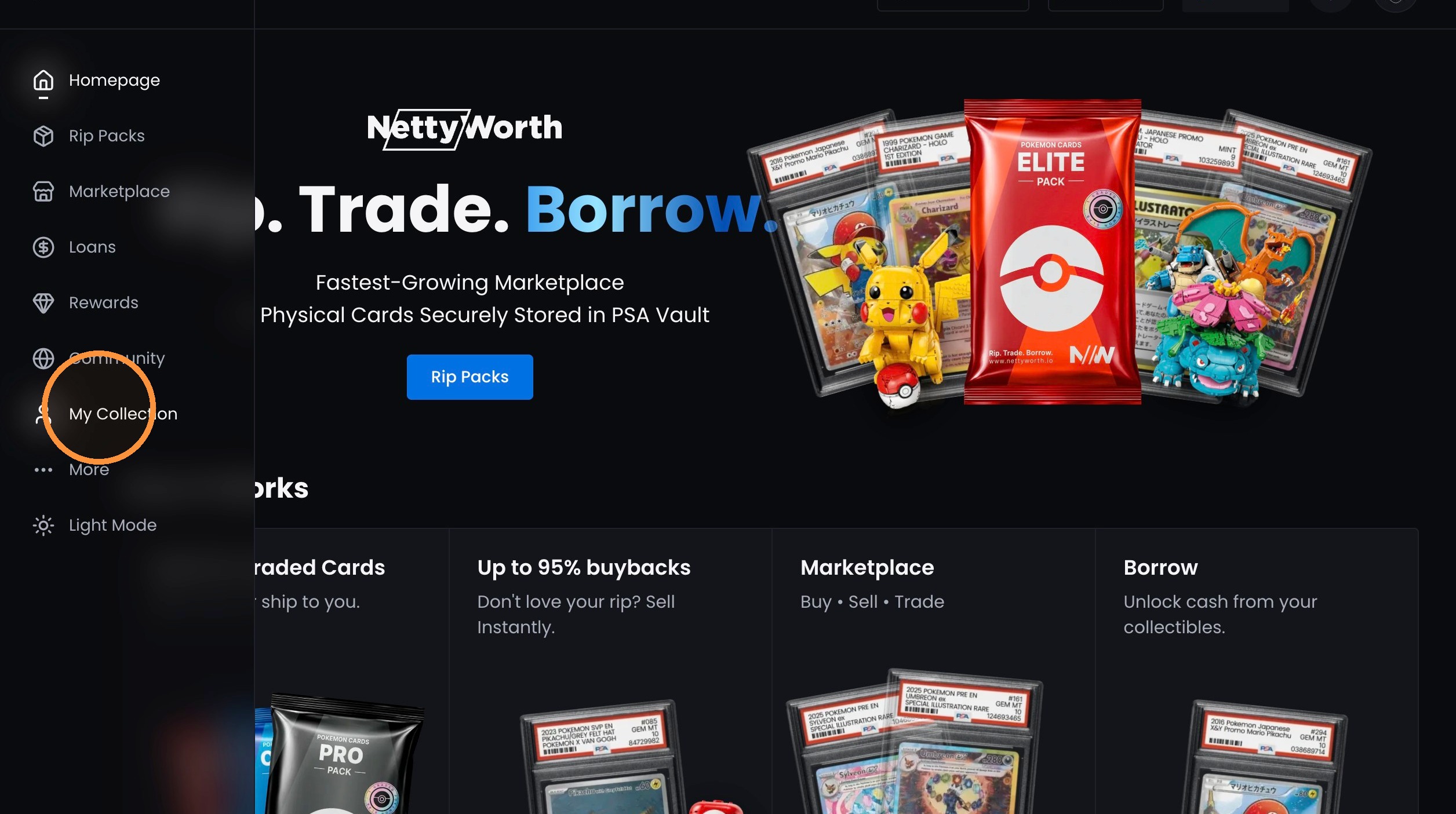
1. Click "My Collection"
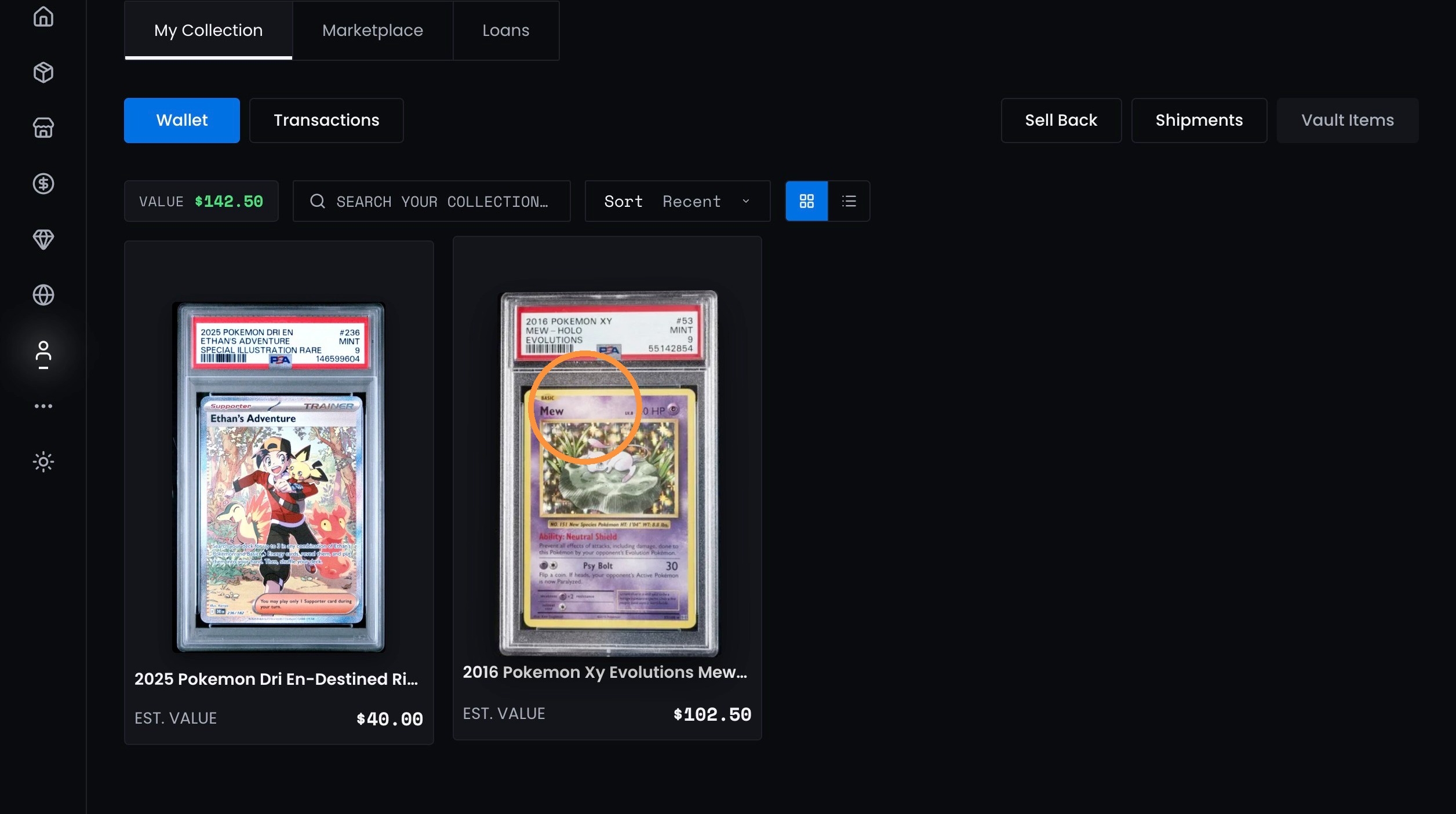
2. Click the desired card in your collection.
Auction Setup
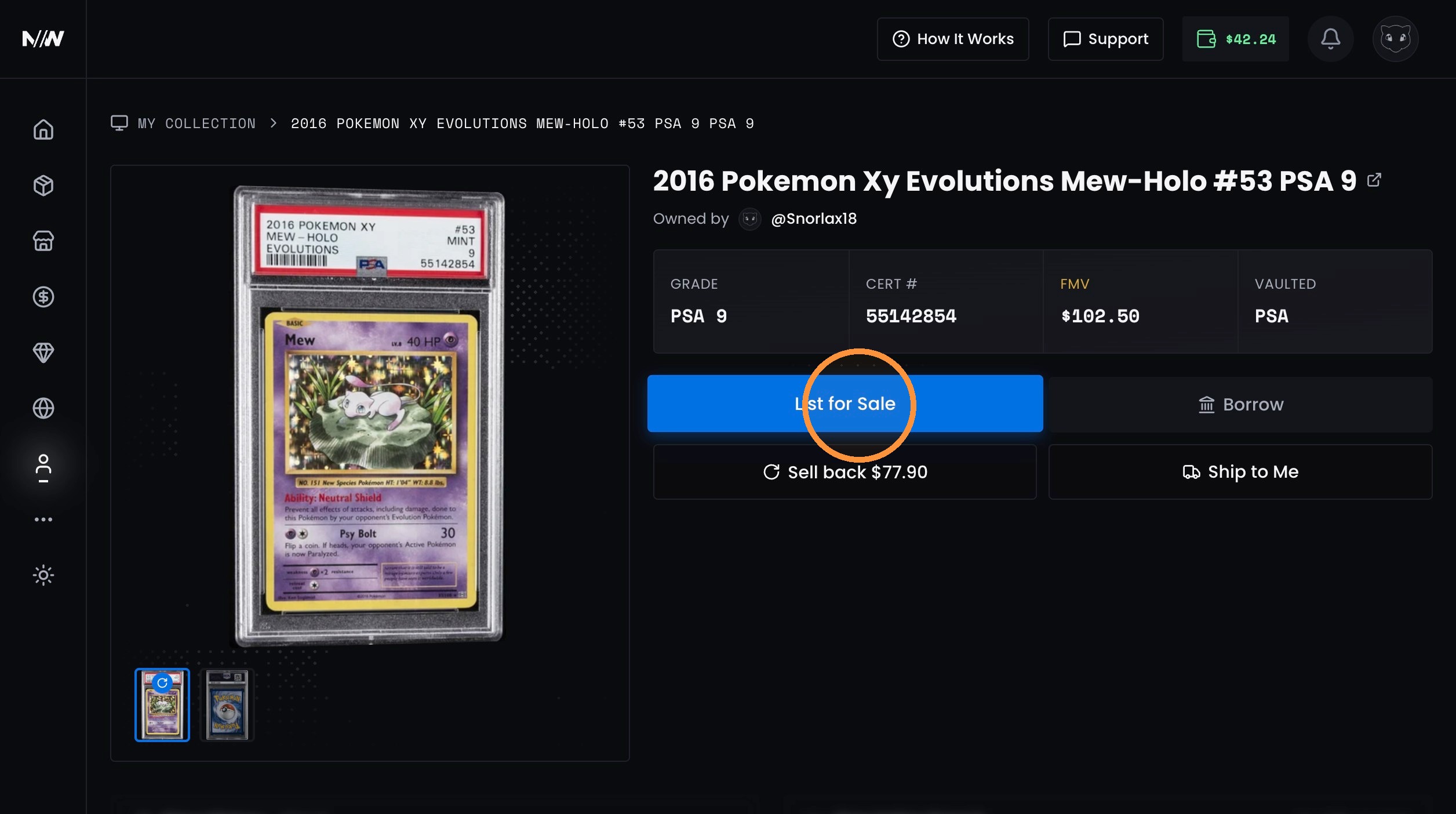
3. Click "List for Sale"
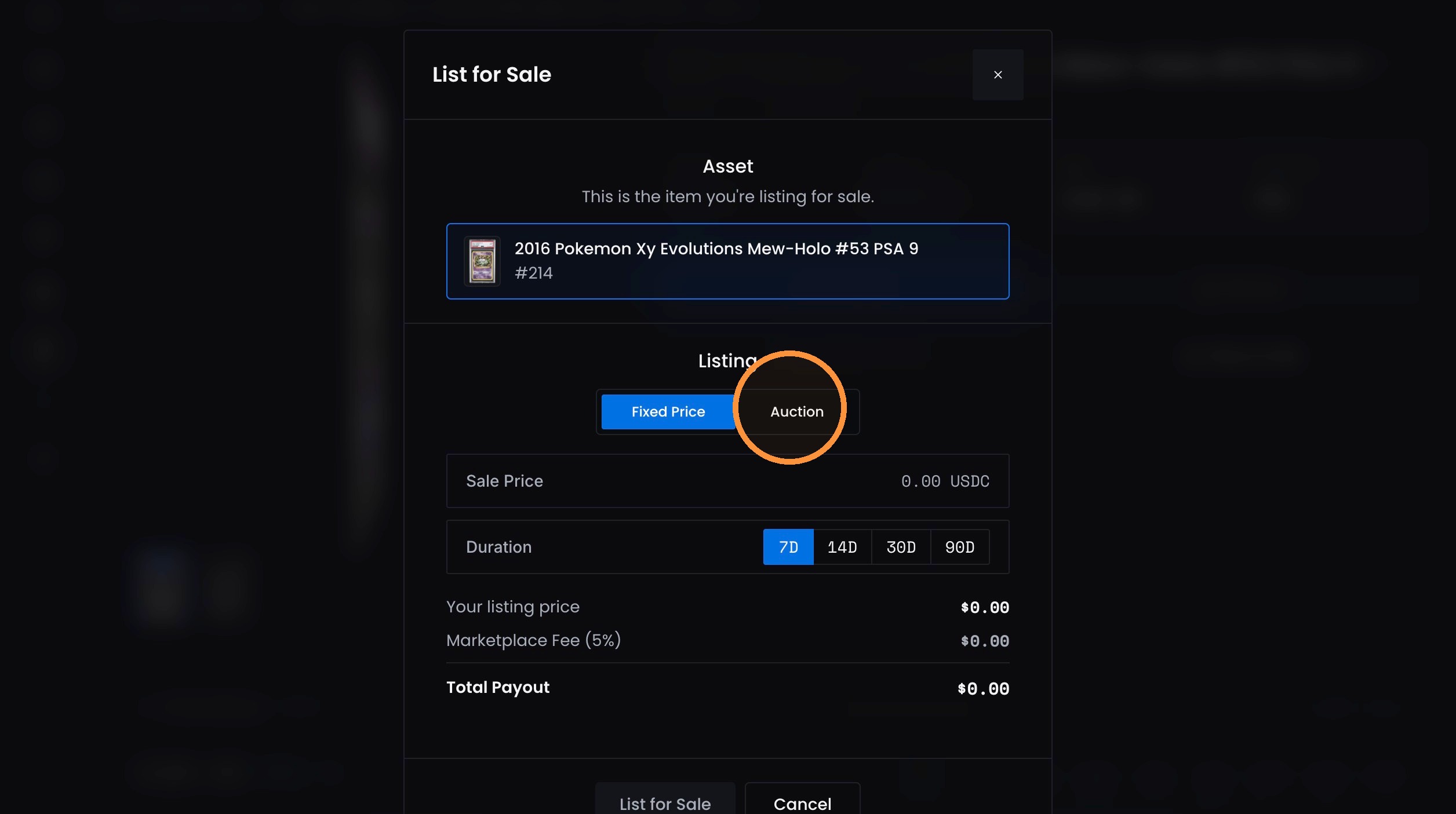
4. Click "Auction"
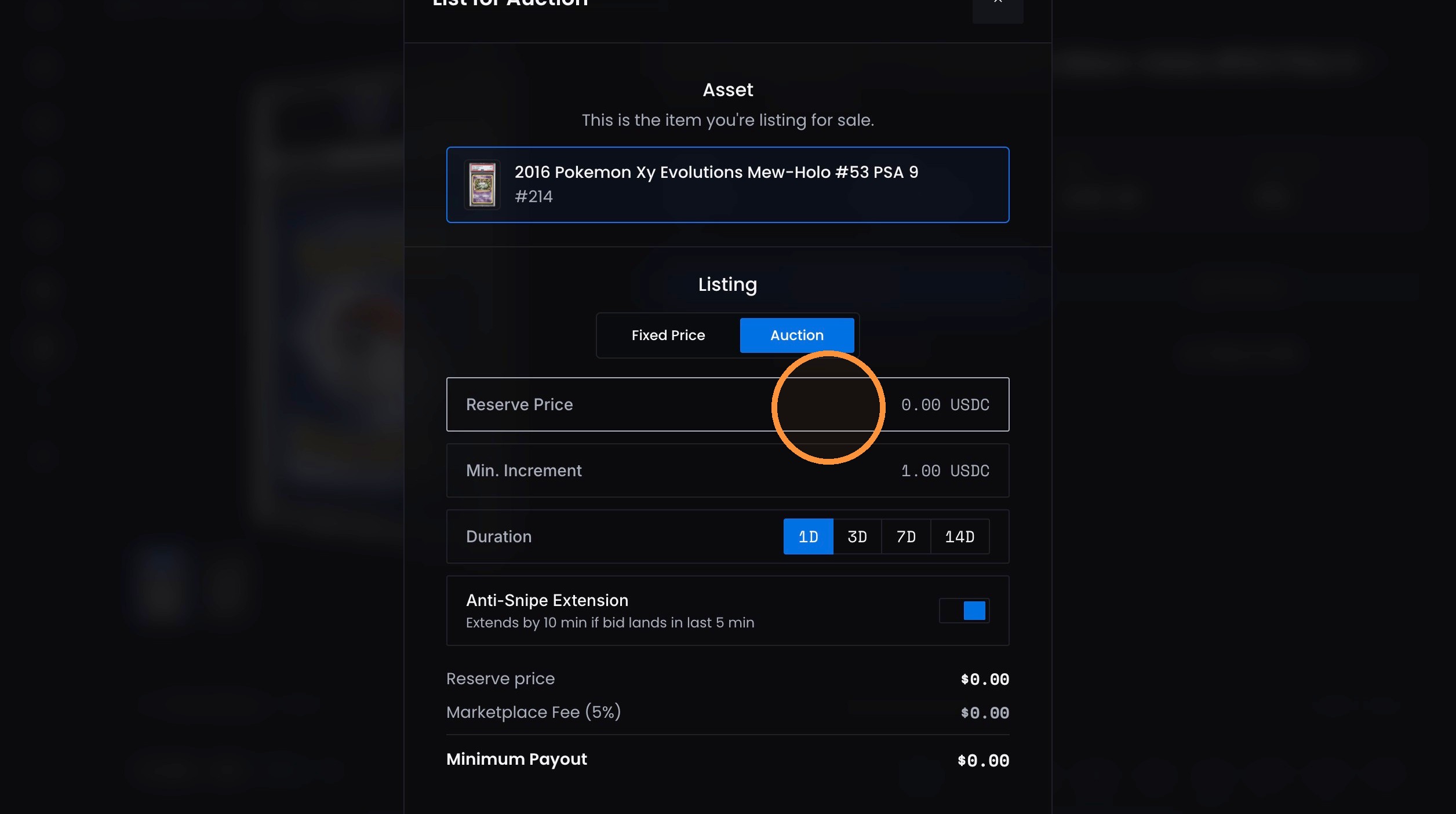
5. Enter the reserve price.
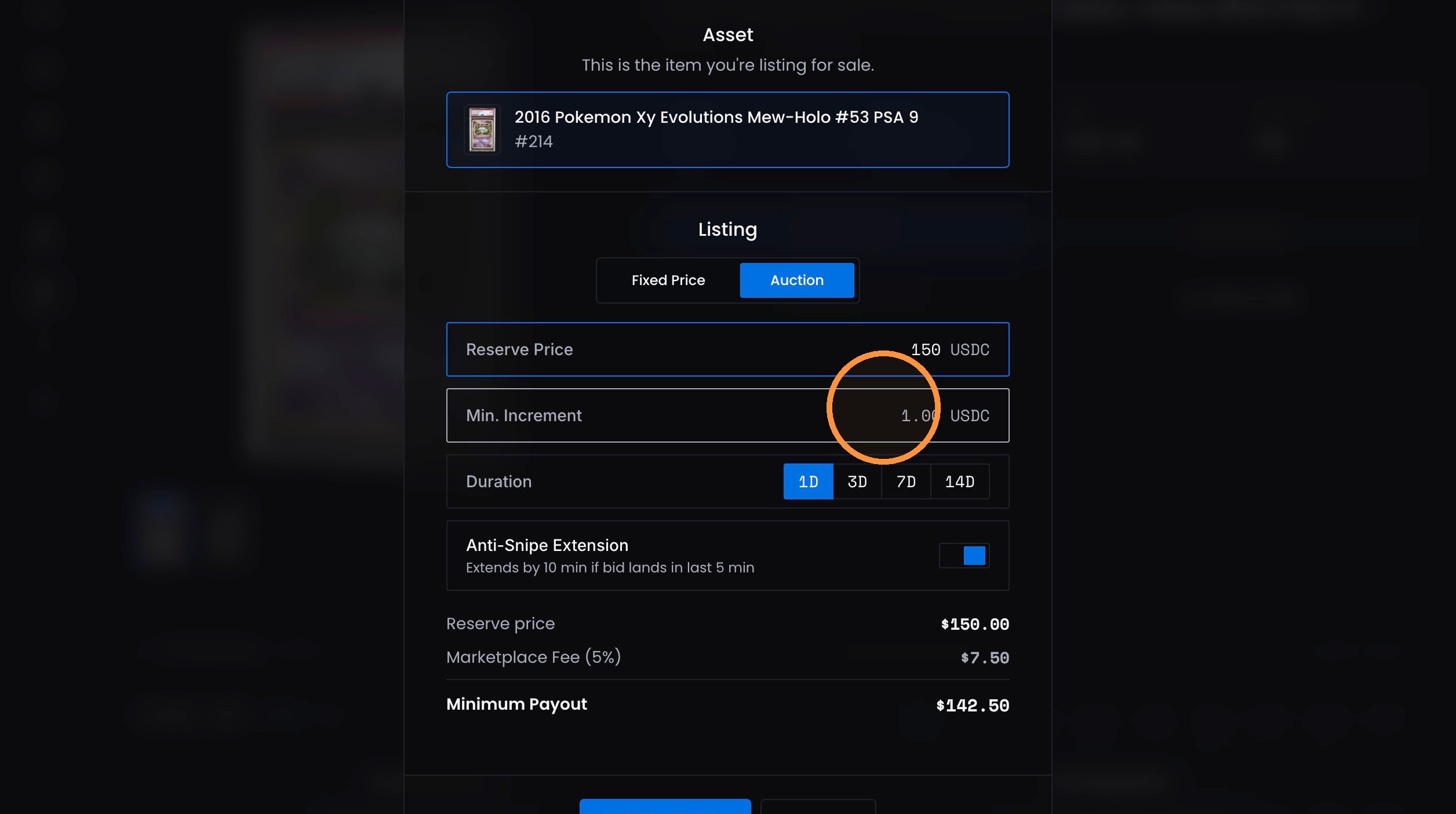
6. Enter the minimum increment.
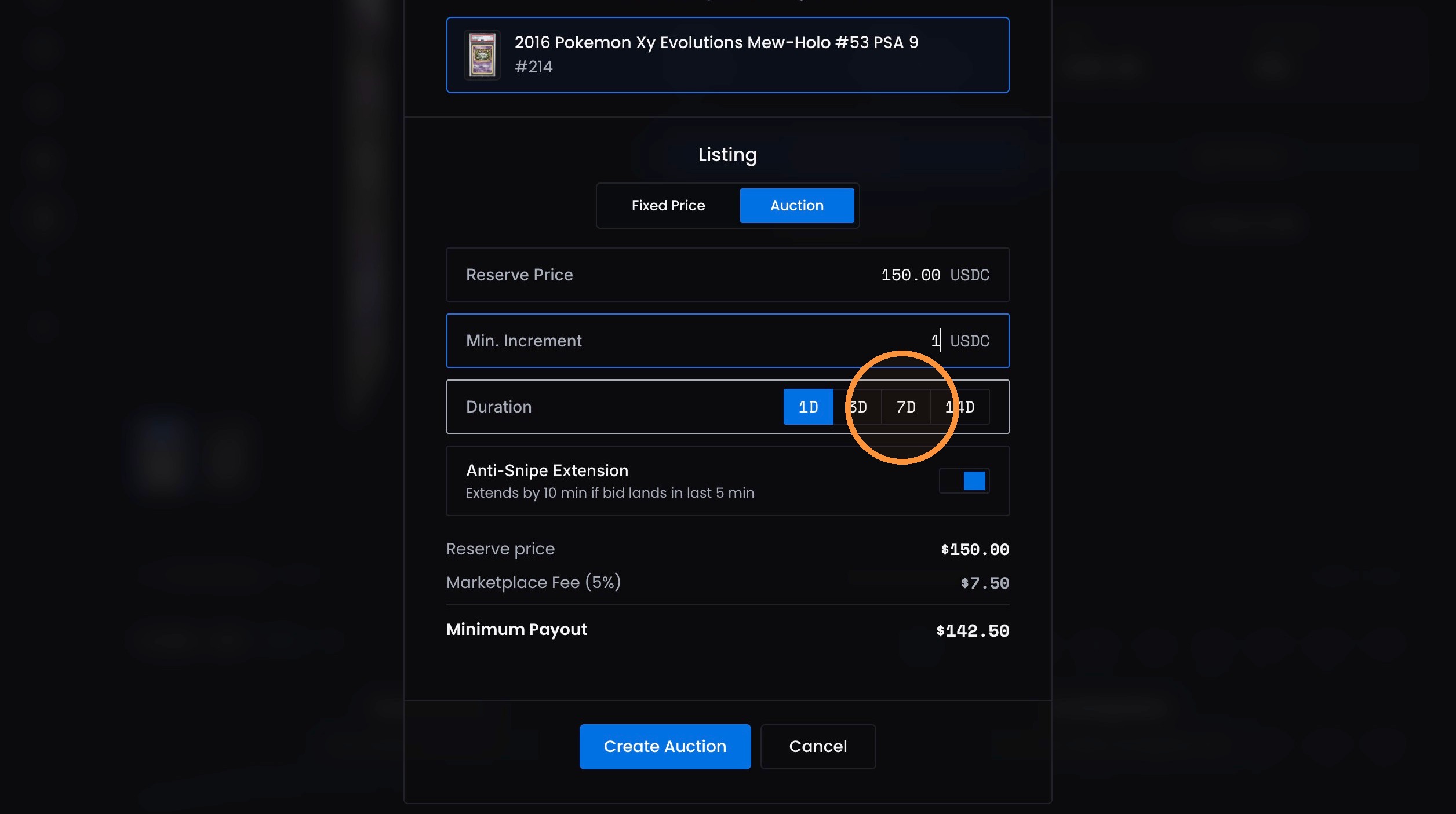
7. Select the Duration of the auction.
Auction Completion
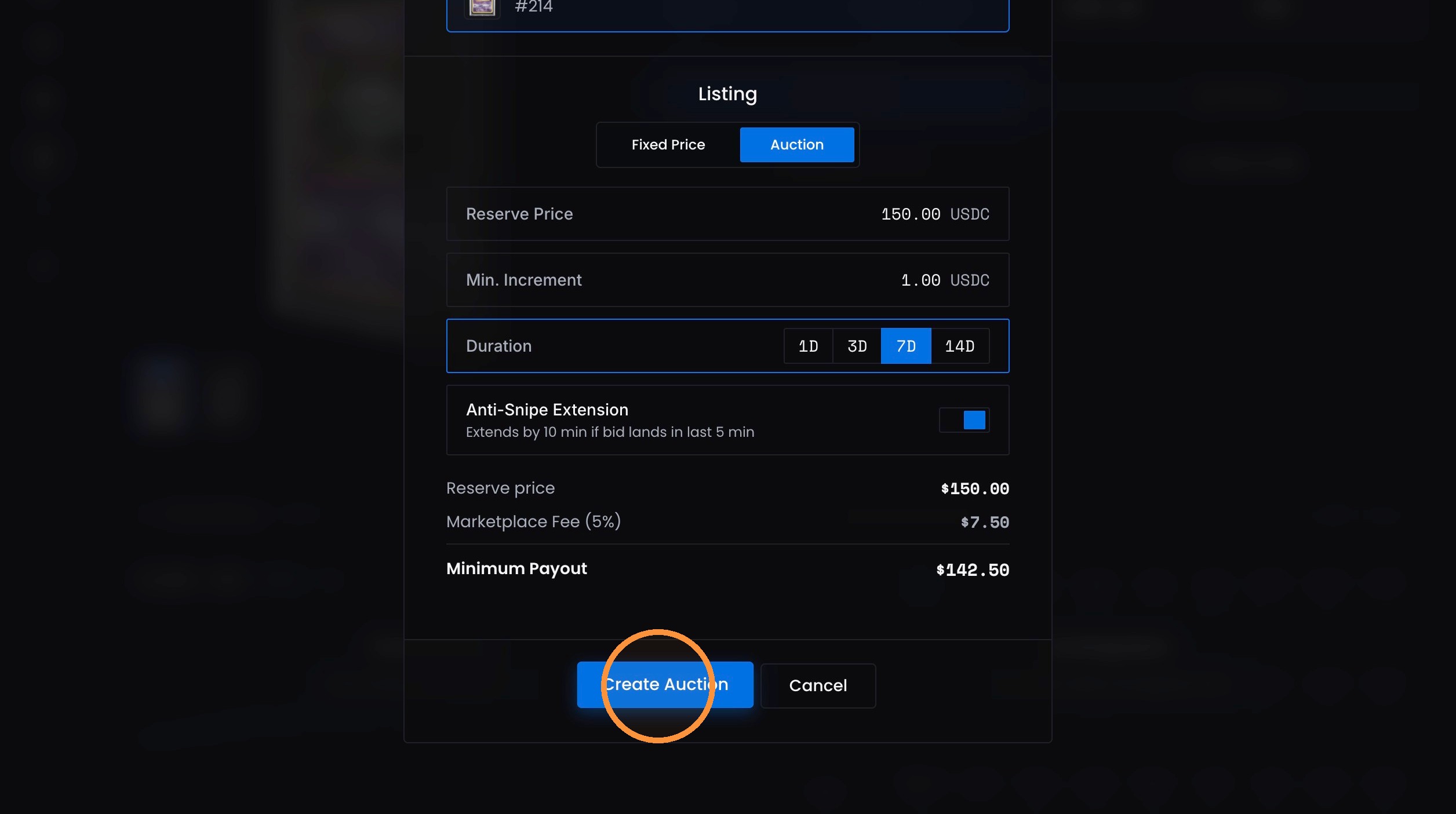
8. Click "Create Auction"
9. Click "Done"
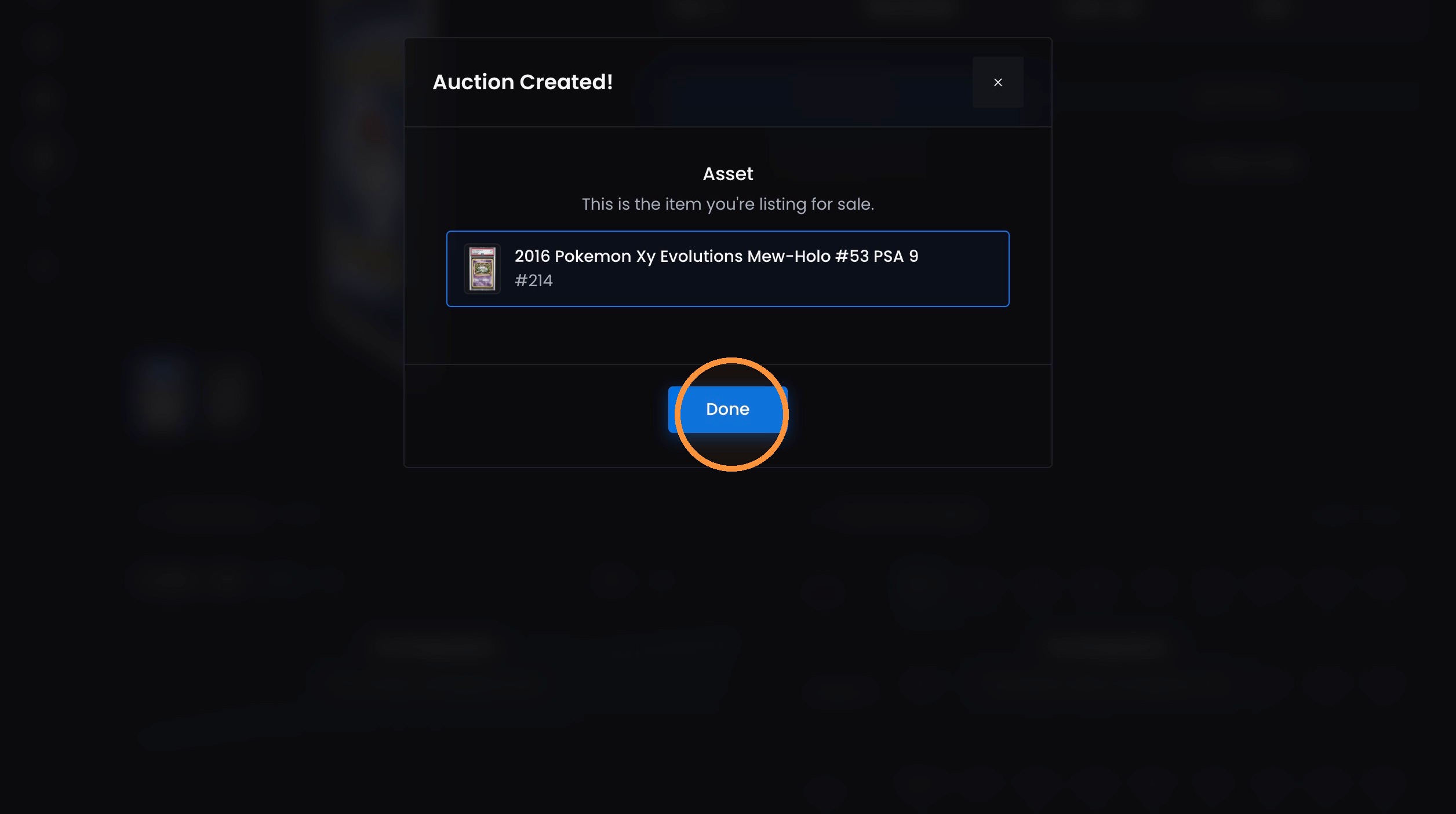
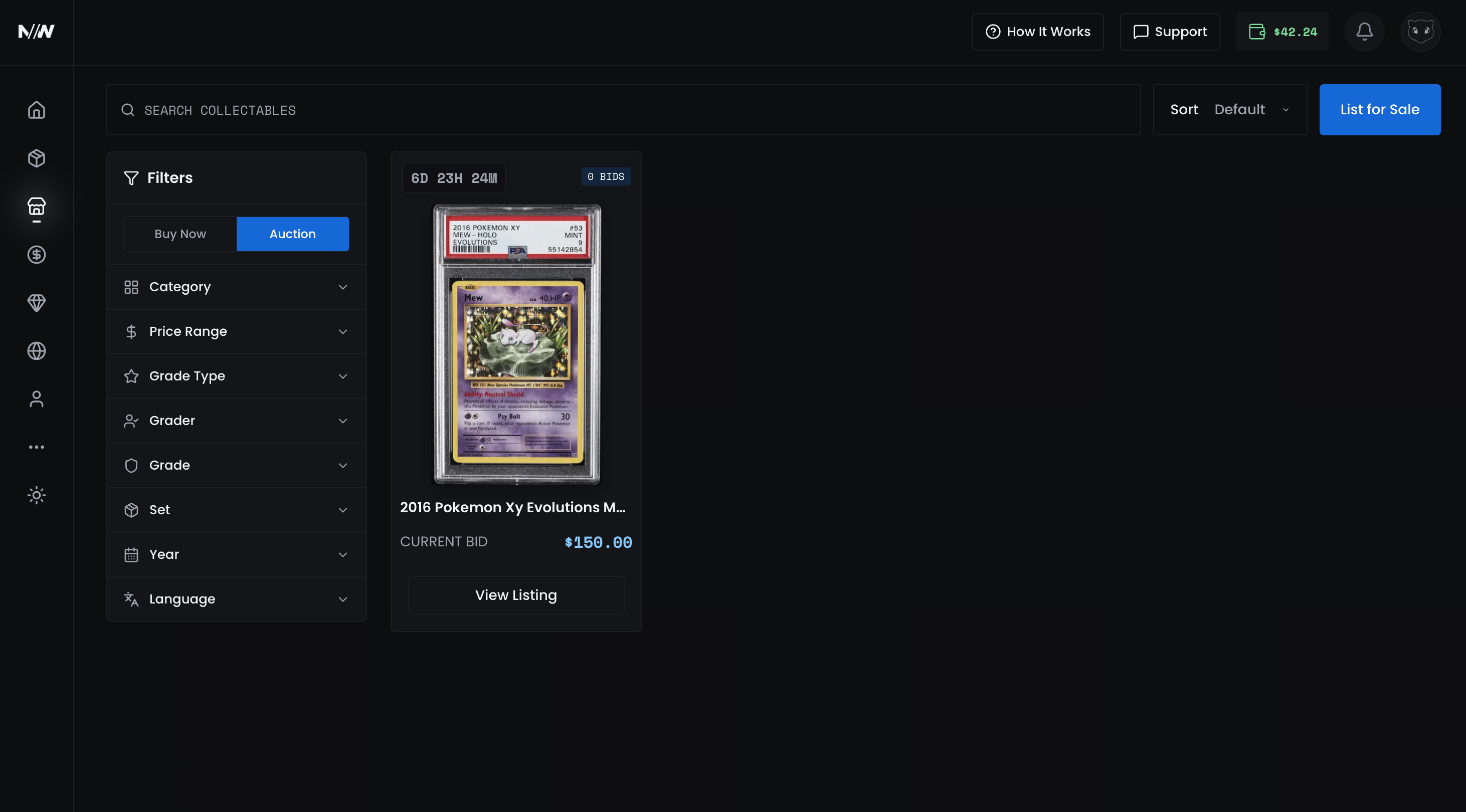
- Your listing will now show in the Actions tab in the Marketplace
Updated about 5 hours ago
Did this page help you?