
How to Create a Rip Battle
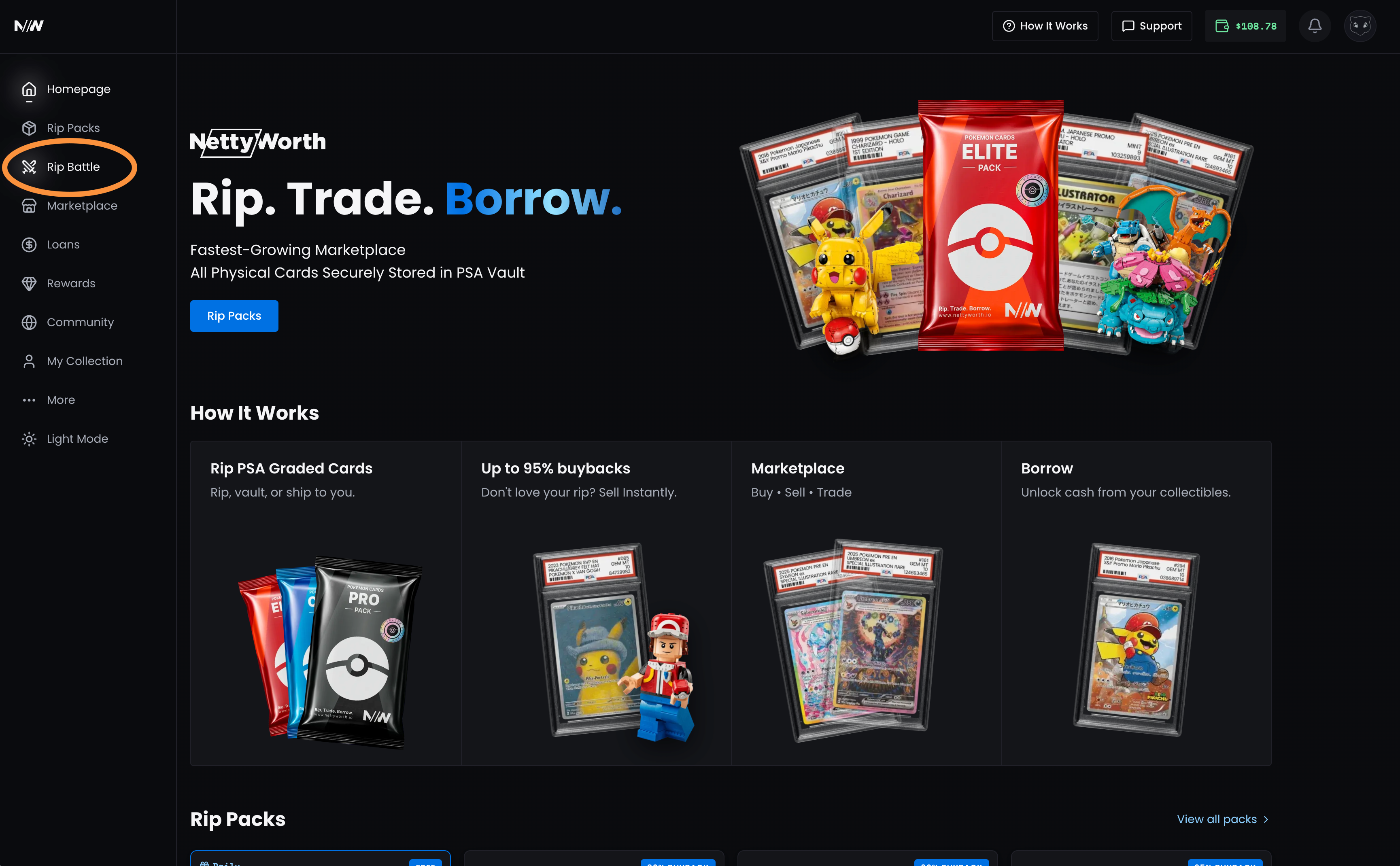
1. Click "Rip Battle" on the left side menu.
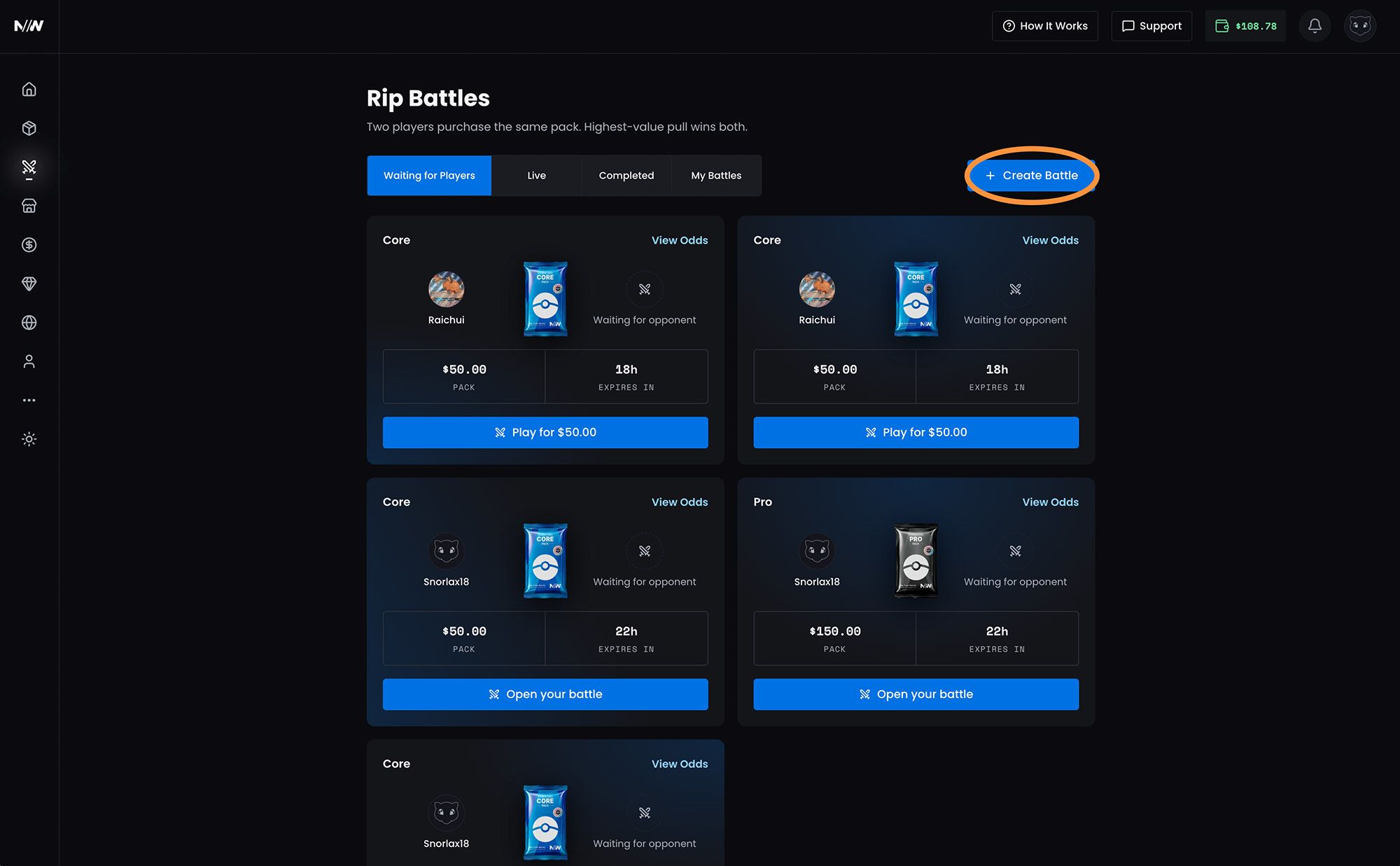
2. Click blue "Create Battle" on the top right.
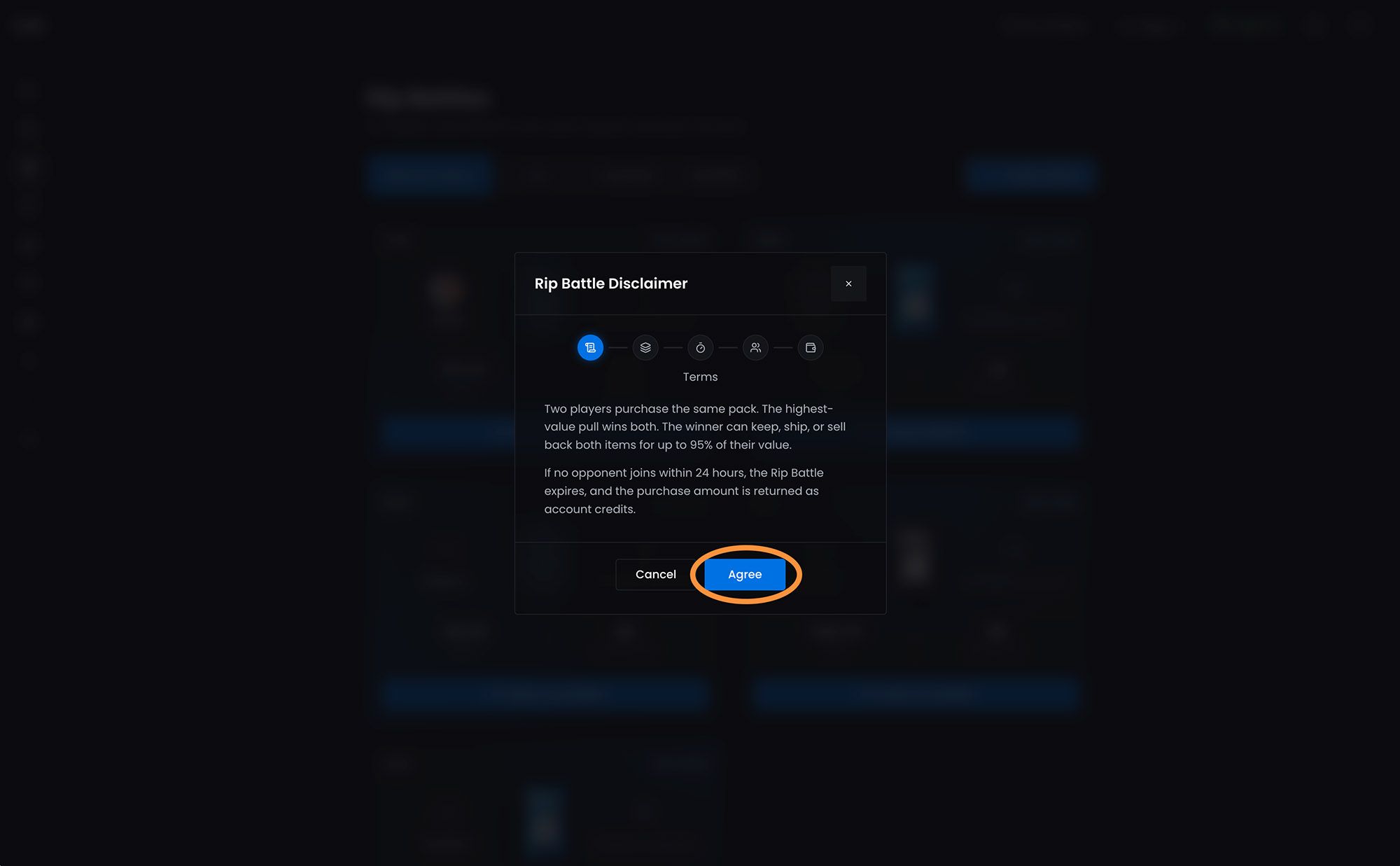
3. Read the terms and click "Agree".
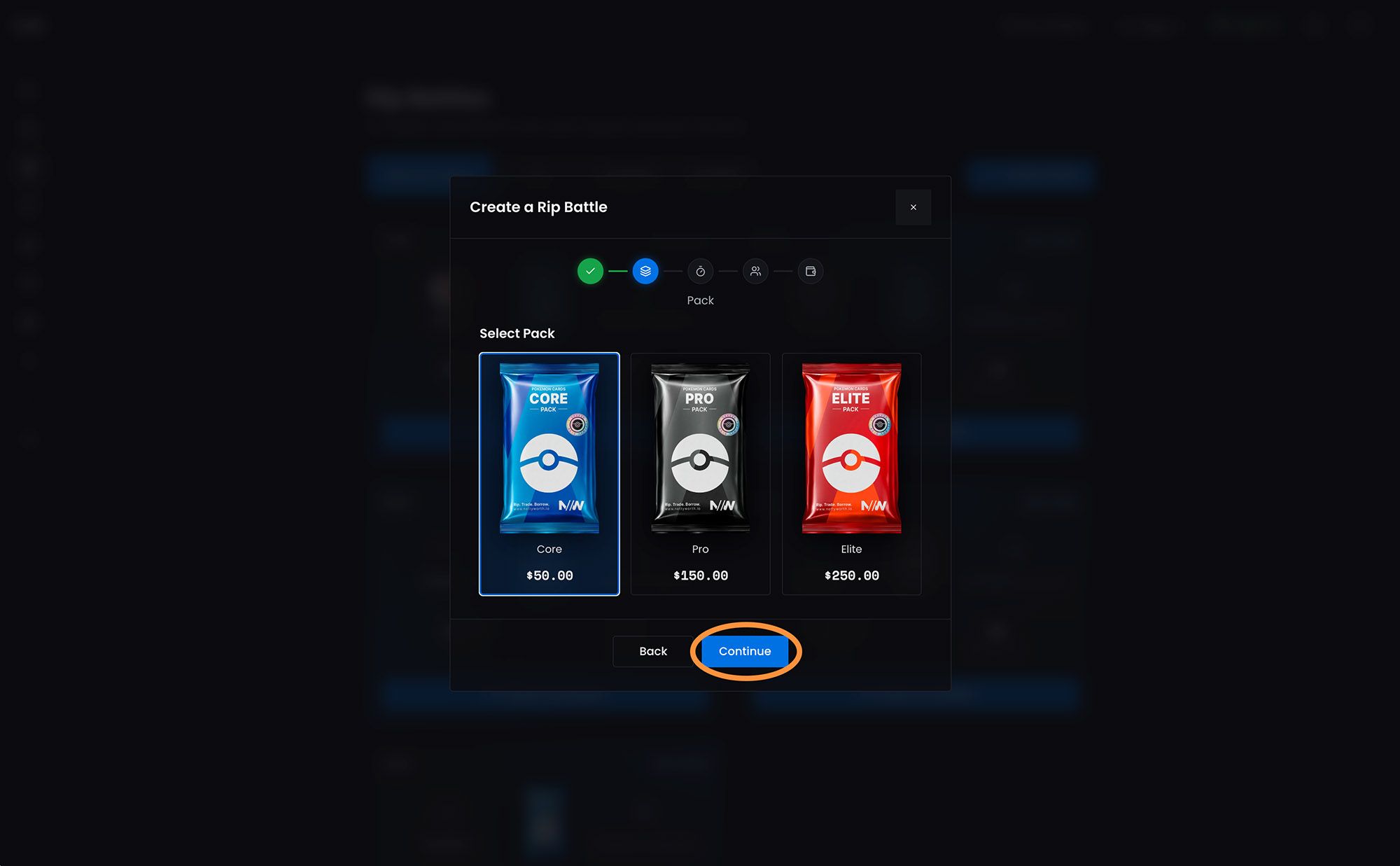
4. Select the pack you want to rip for the Rip Battle and click "Continue".
5. Select the countdown timer length.
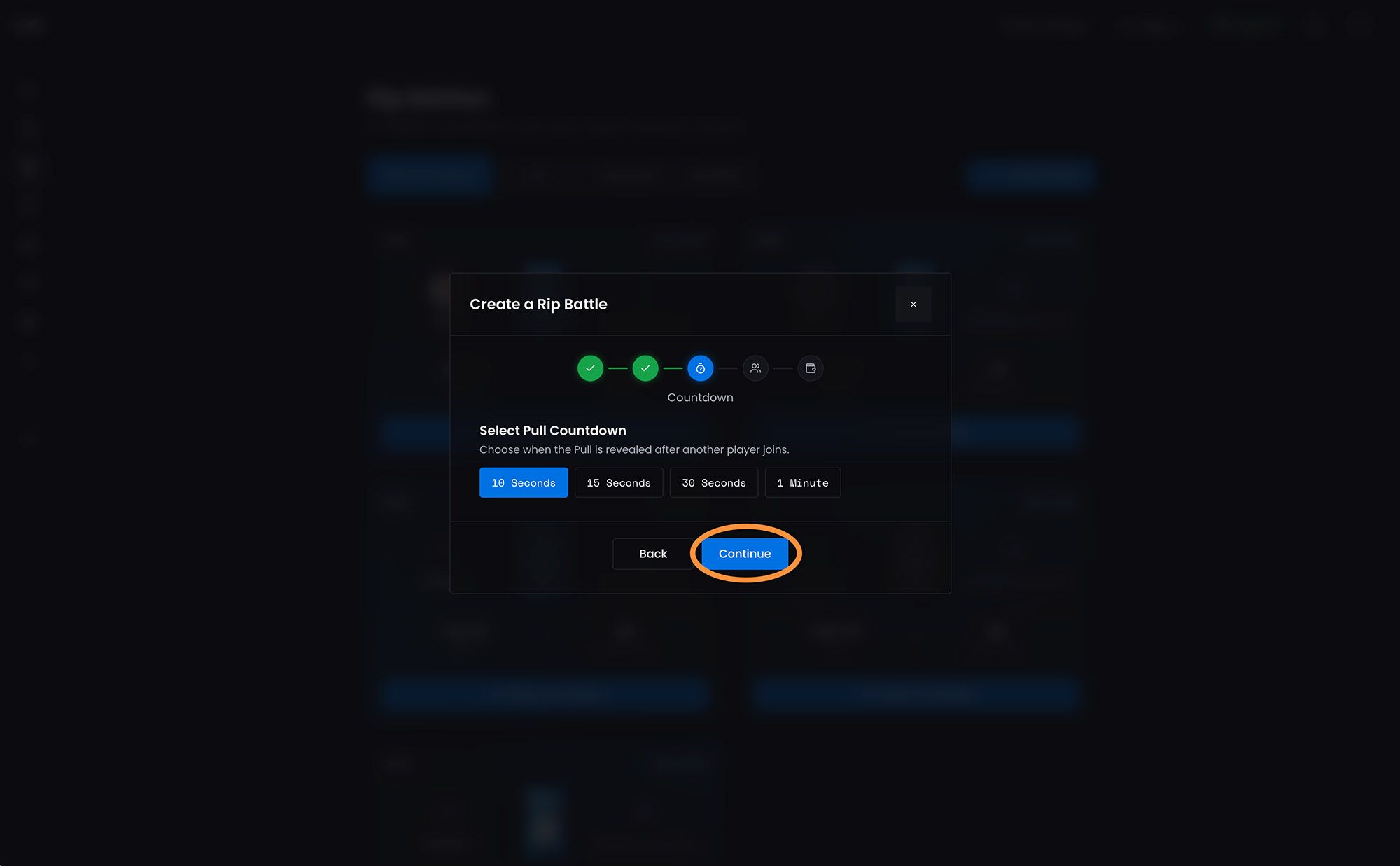
6. Next decide if you want anyone to join or create a private Rip Battle and click "Continue"
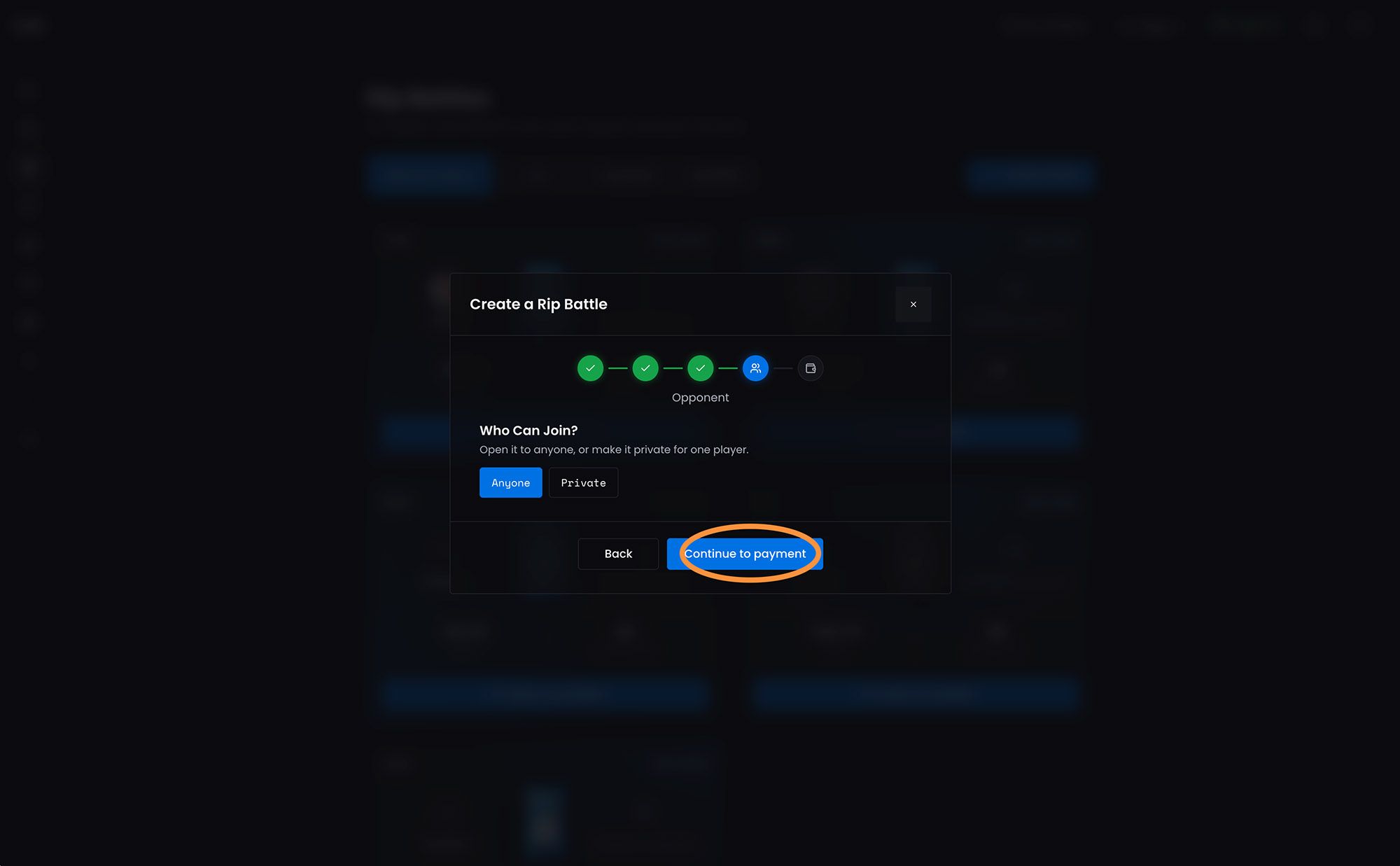
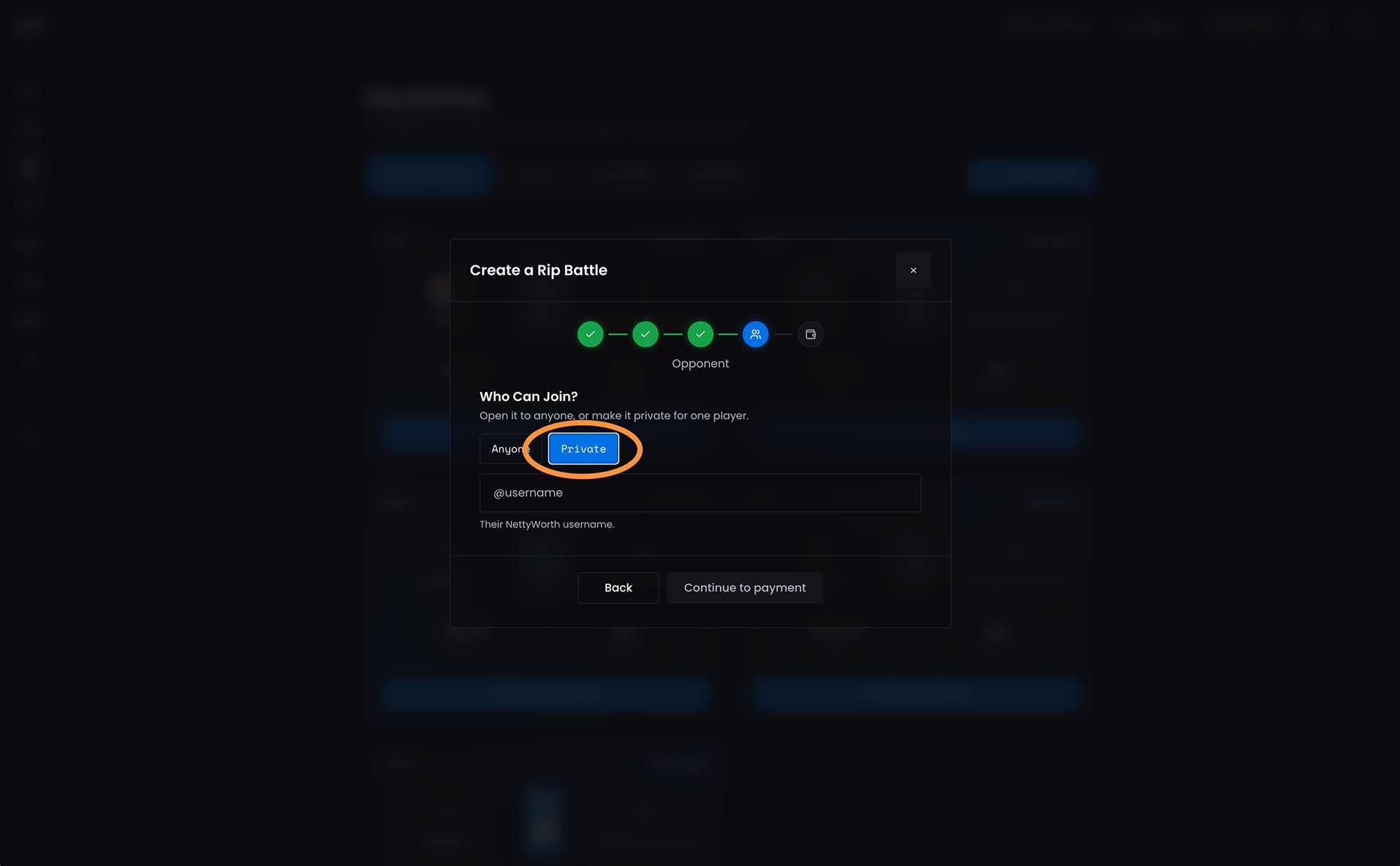
7. If you do want to create a private Rip Battle click on "Private" and add their NettyWorth username. Then click on "Continue to Payment".
8. Select the payment method and click on the "Pay" button.
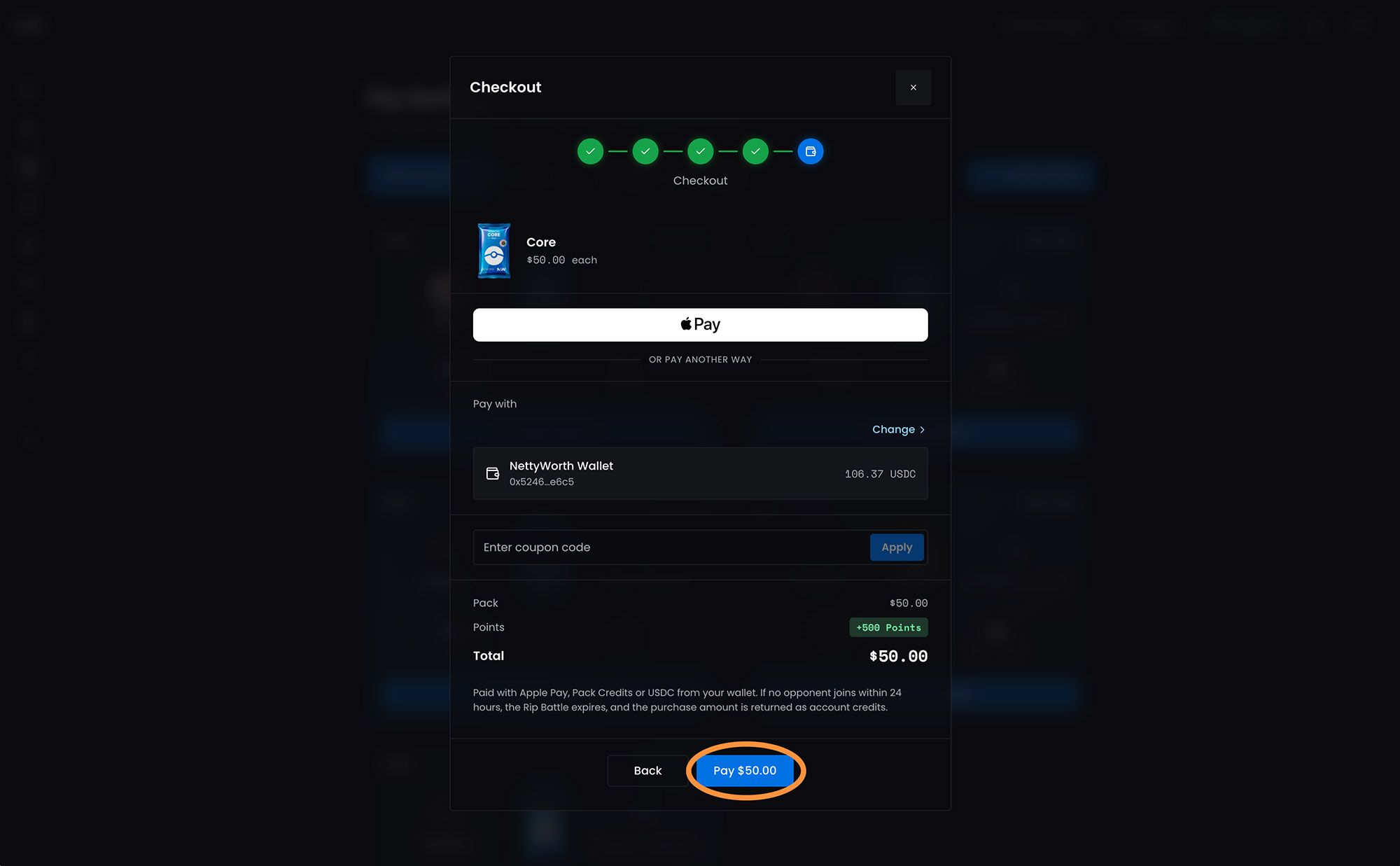
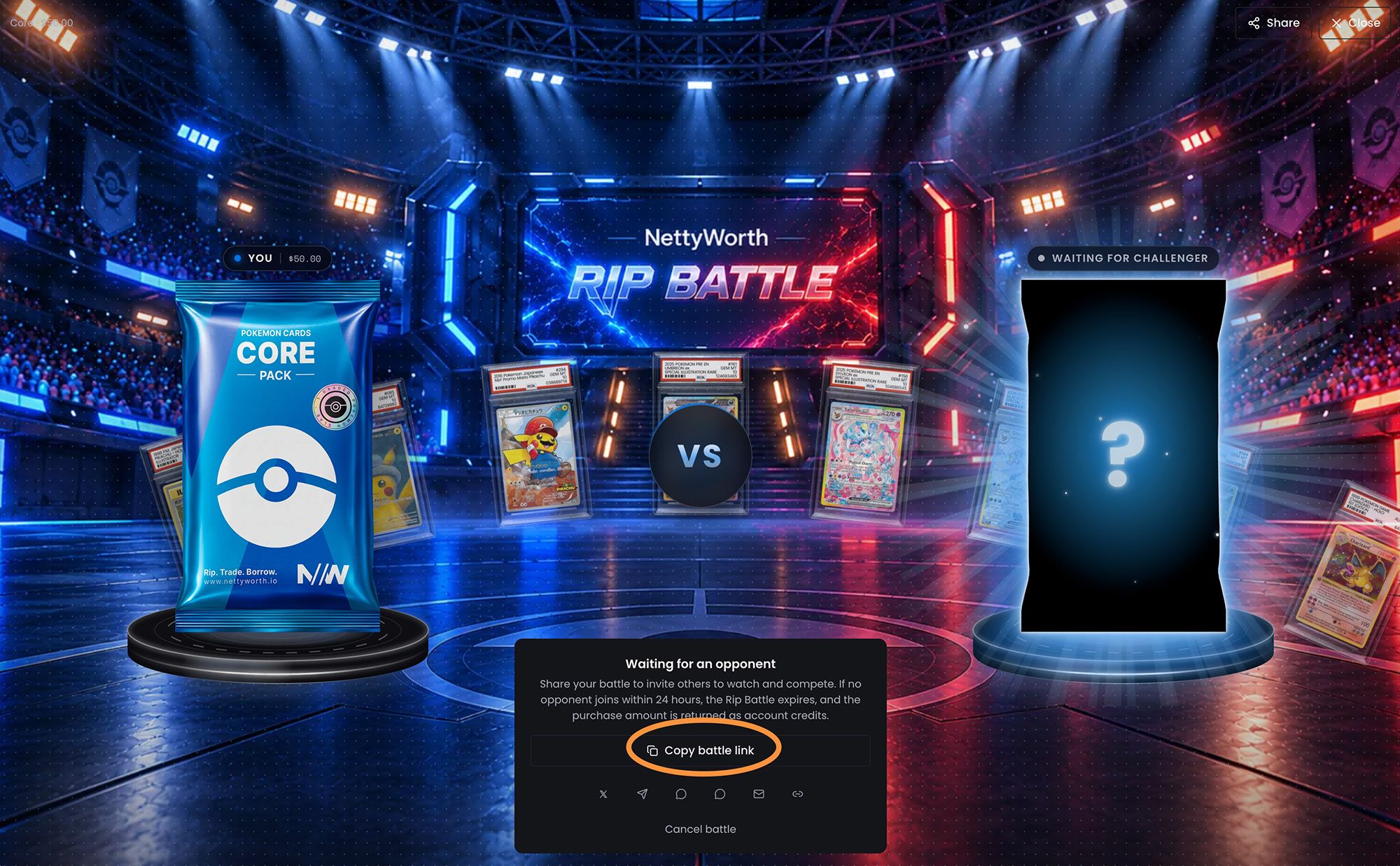
9. Once the payment is processed your battle is ready for anyone to join. You can also share your Rip Battle link with friends and ask them to join.
Updated about 7 hours ago
Did this page help you?